
Operator console.
Every page, what it changes.
The console is where you run Muse AI: keys, models, modules, plans, limits, money, users, reports and push. It is the MIKODES Admin Kit served by admin/ at /admin. You use it in a browser like any website; nothing here needs code. Every screenshot is a real capture of the 2.0.0 console with its built-in sample data (ADMIN_DATA=sample), where some money switches are on so their screens show; a fresh install has them off.
01Signing in, roles and saving
Think of the console as the control panel of your app. You change a value, click Save changes, and the app picks it up the next time a user opens it.
- First owner: created with the one-time setup code from the log (Installation, step 3).
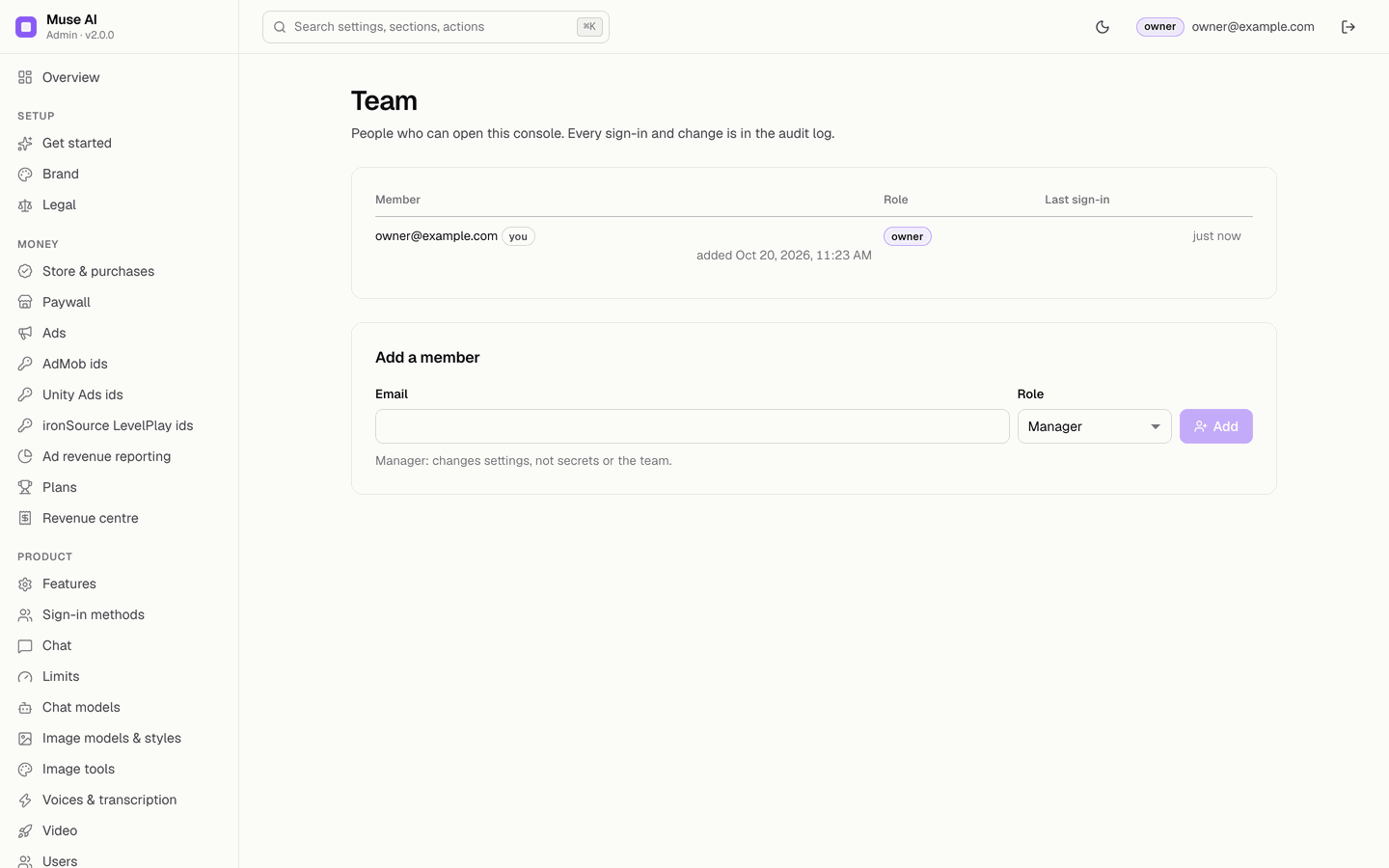
- Roles: viewers read; managers change settings and act on the product pages; only the owner sets secrets (keys) and store identifiers and manages the team.
- Saving: edits collect in a bar at the bottom ("4 unsaved changes in Brand") with Discard and Save changes. Each save becomes a version in History and an entry in the Audit log, and the console writes
config/publicandconfig/privateto Firestore at once. The app picks the change up the next time it starts (the API caches the config for 60 s). - Search: the box at the top (or ⌘K / Ctrl K) finds any setting, section or action.
- Limits are enforced by the server: every number has a hard minimum and maximum; out-of-range values are refused.
- Public demo console: the author's demo at
museai-demo.mikodes.com/adminis read-only (accountdemo@museai.demo, passwordmuse-demo-ae93e3, also shown on its sign-in screen) and runs on sample data.
02Overview
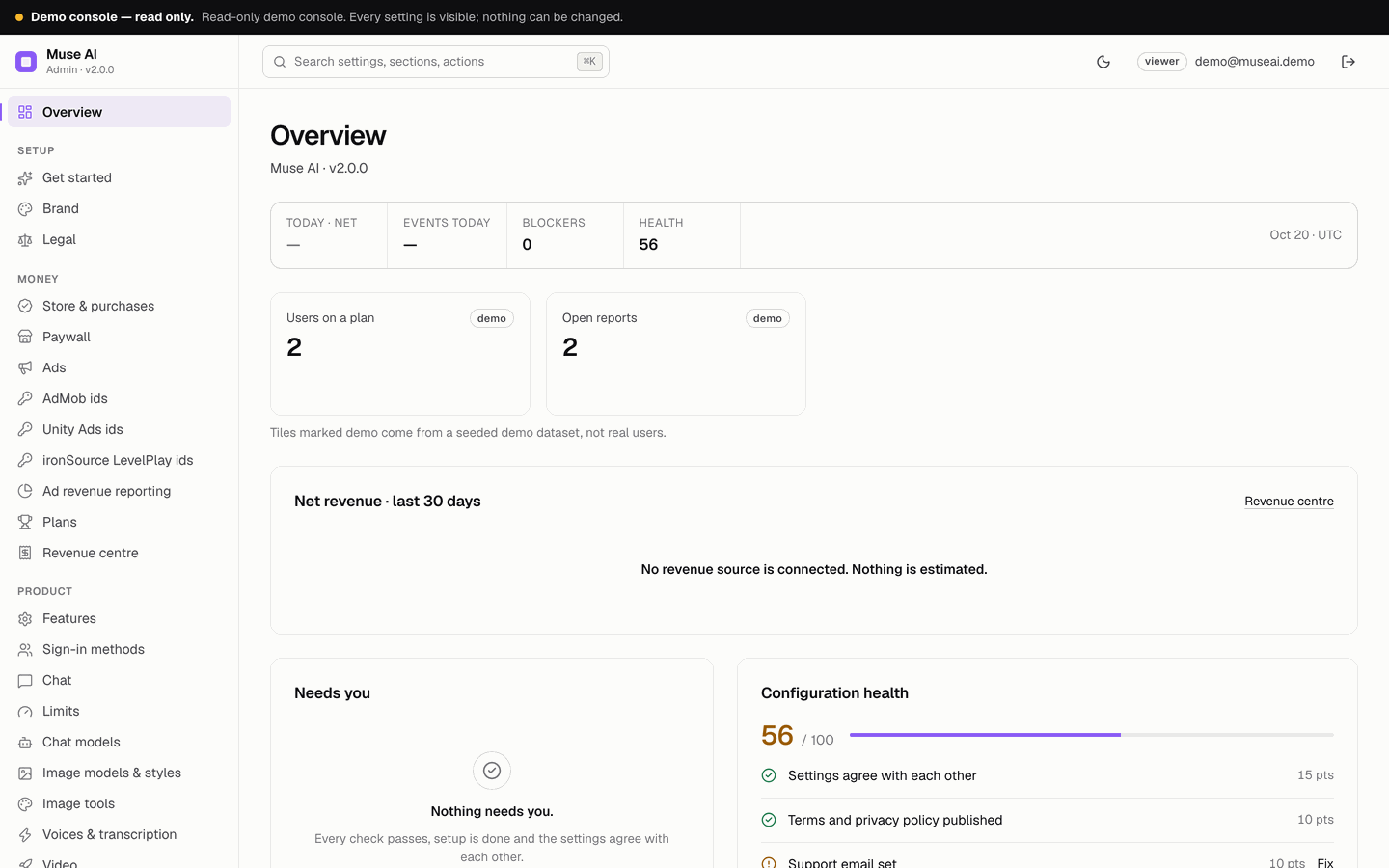
Measured counters only, from the backend's daily statistics (stats/{day}): new and active users, chat messages, input and output tokens as the providers reported them, chat and image failures, images, image edits and tools, natural-voice characters, transcription minutes, AI video seconds, prompts blocked, users on a plan, open reports. Nothing is extrapolated. Also: net revenue of the last 30 days, a "Needs you" list and a configuration health score.
03Get started
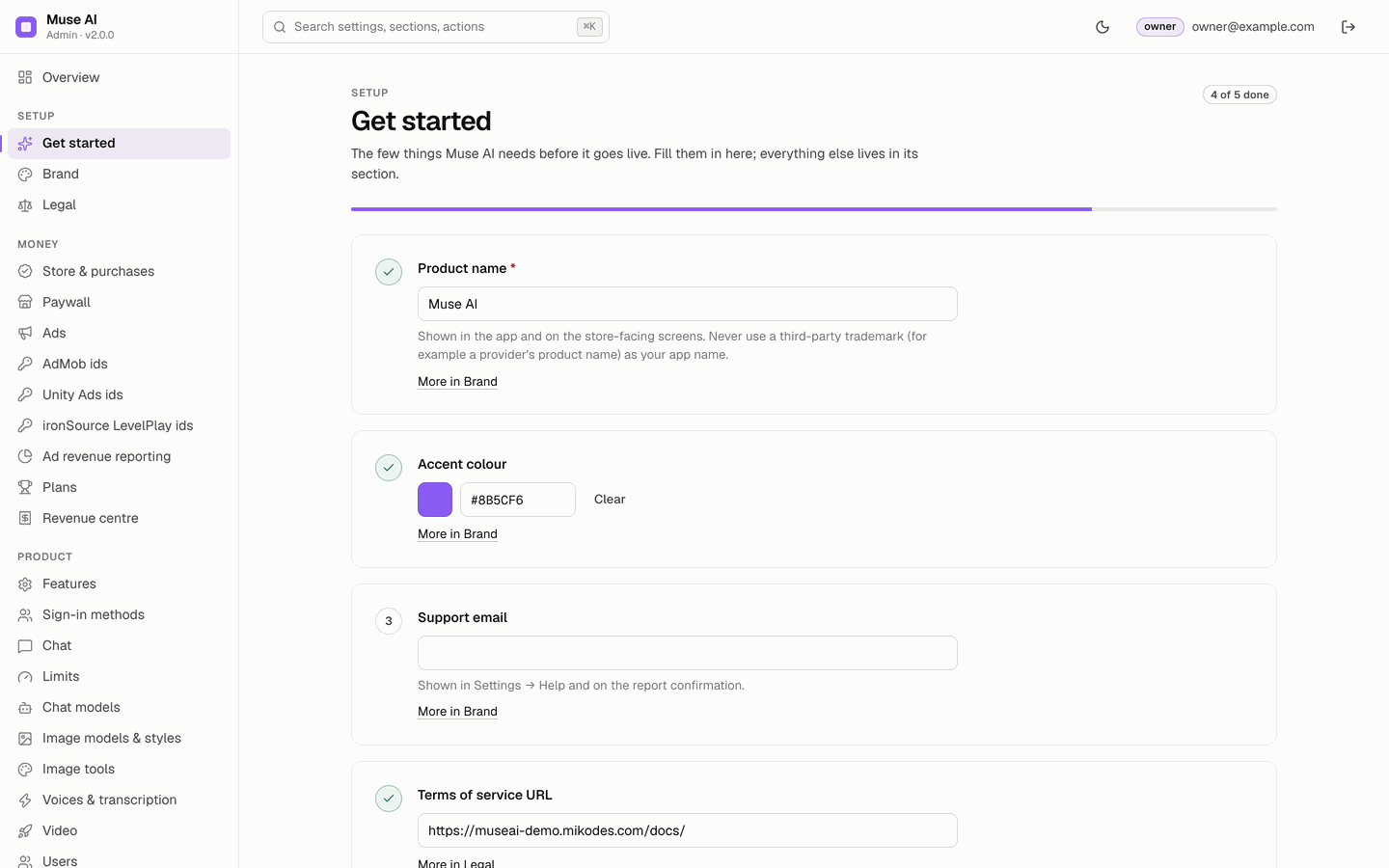
The few fields the product needs before it goes live (product name, accent colour, support e-mail, terms and privacy URLs) and the current blockers, on one page. Each field links to its full section.
04Brand
Product name (shown in the app and the console header), Tagline, Accent colour (buttons, highlights and gradients in the app) and Support email (Settings → Contact support). Never use a third-party trademark as the product name. Before and after pictures: Customization.
05Legal
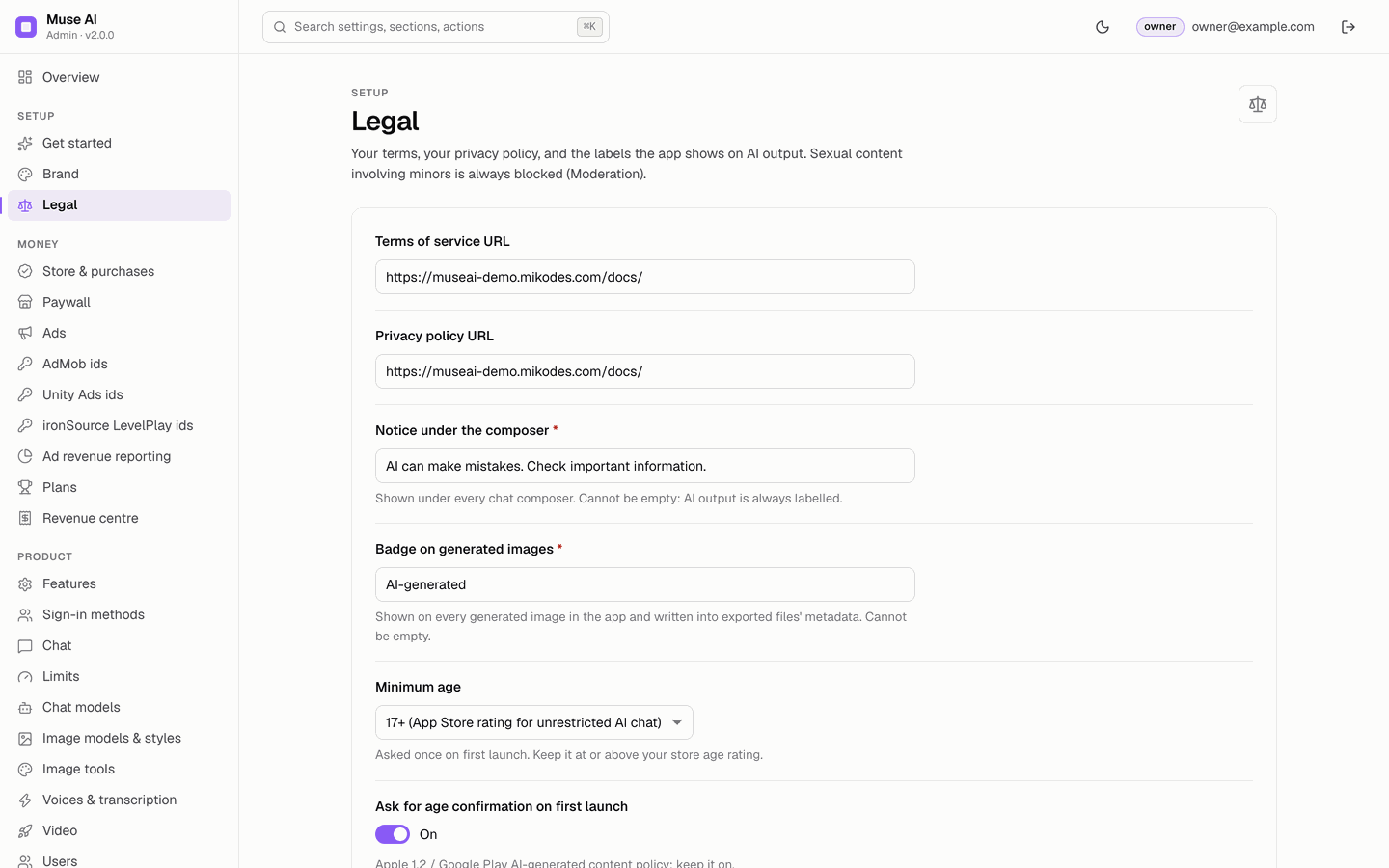
Terms of service URL and Privacy policy URL (linked in onboarding and Settings), Notice under the composer and Badge on generated images (both required: AI output is always labelled), Minimum age (13, 16, 17 or 18) and Ask for age confirmation on first launch. The age check is a self-confirmation checkbox, not verification. Blocking sexual content involving minors is always on and is not a setting.
06Features
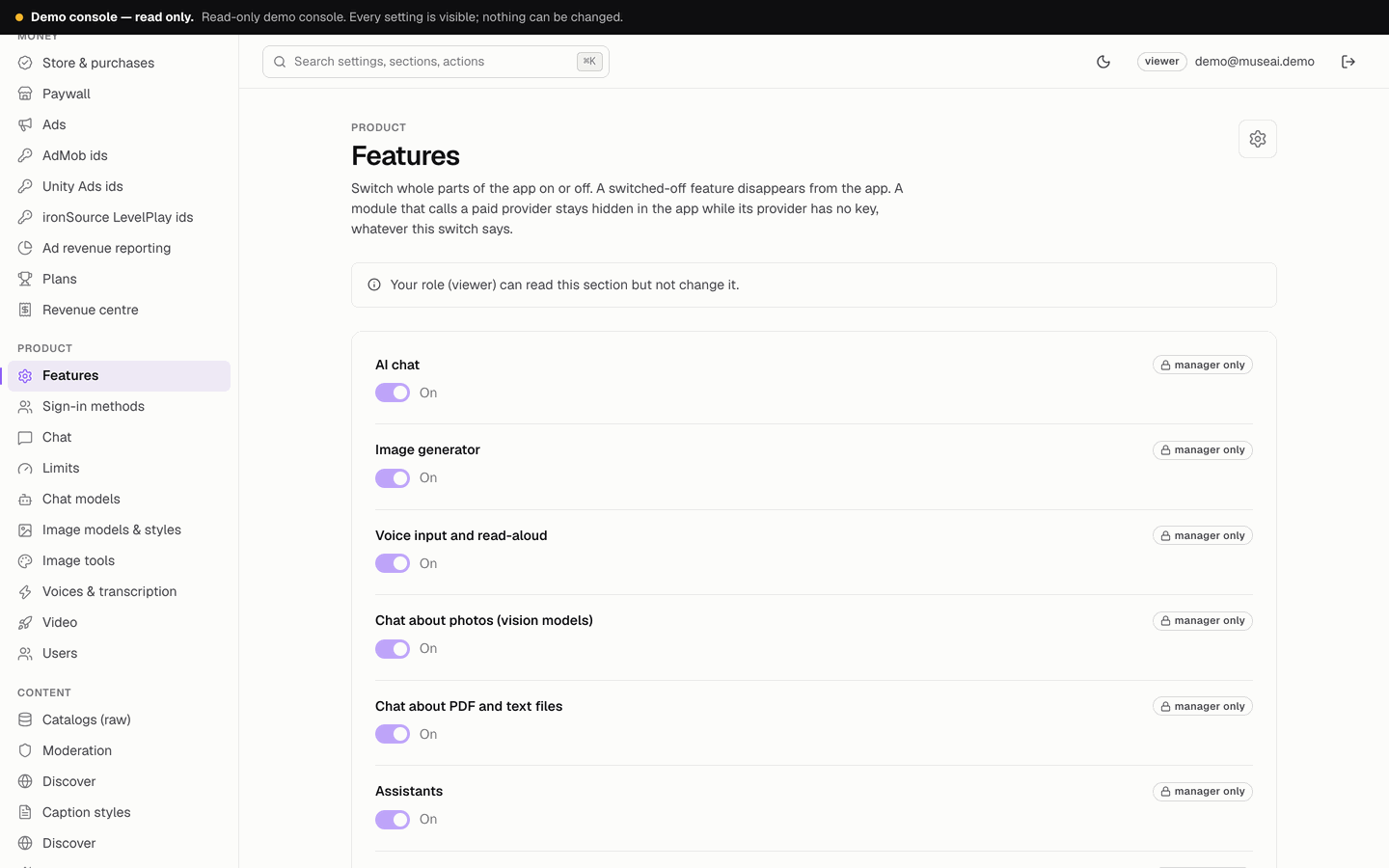
Switch whole parts of the app on or off; a switched-off feature disappears from the app. Core: AI chat, Image generator, Voice input and read-aloud, Chat about photos, Chat about PDF and text files, Assistants, Prompt library, Web search, Cloud backup, Share and export. Studio: Discover, Voice mode, Natural voices, Transcription, Video editor, Auto captions, AI video generation, AI image editing, Image tools, Incognito chats, Suggested follow-up questions. A module that calls a paid provider stays hidden while its provider has no key, whatever the switch says.
07Sign-in methods
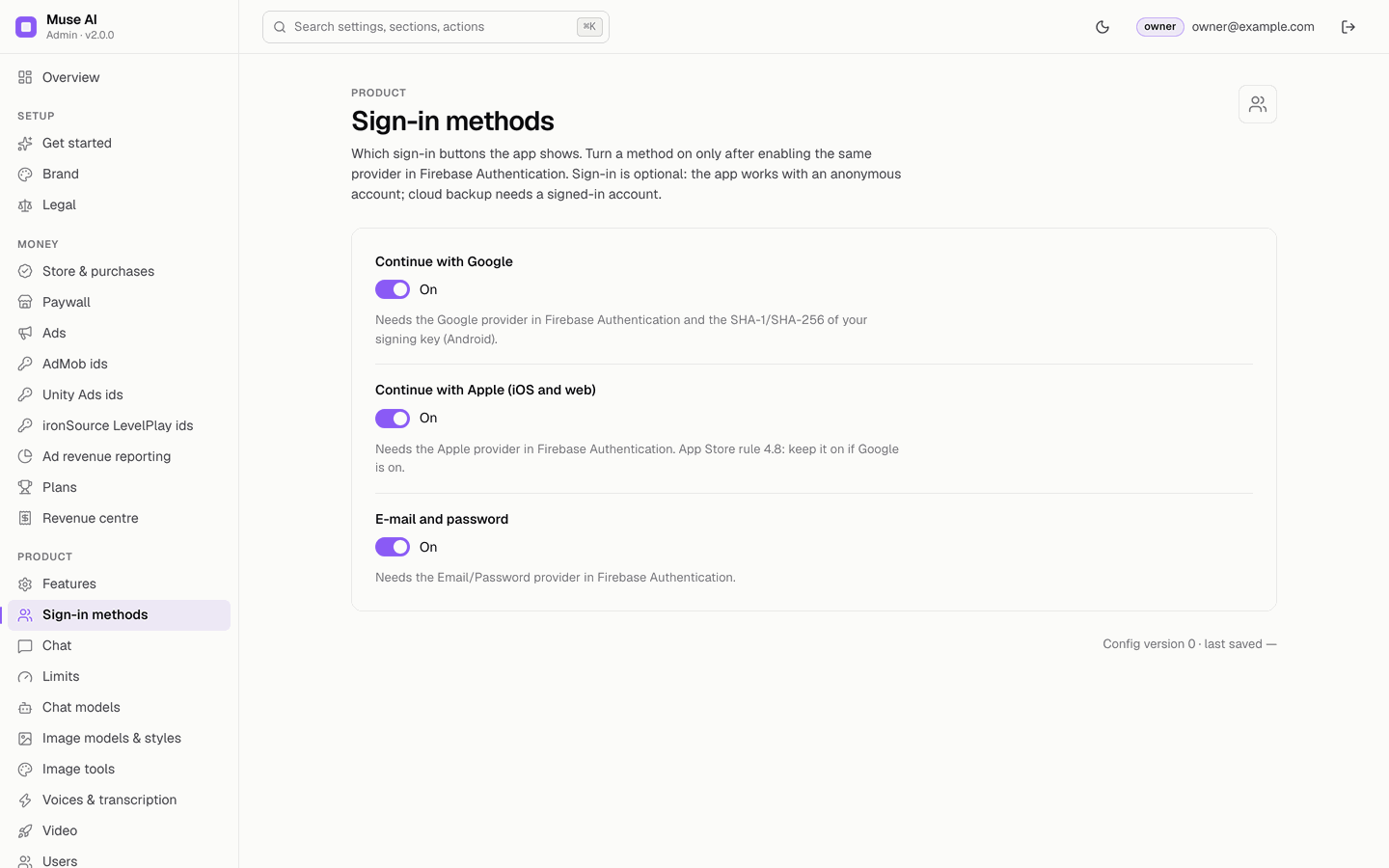
Which sign-in buttons the app shows: Continue with Google, Continue with Apple (iOS and web), E-mail and password. Turn a method on only after enabling the same provider in Firebase Authentication; Google on Android also needs the SHA-1 and SHA-256 of your signing key in Firebase, and on iOS the REVERSED_CLIENT_ID URL scheme in Info.plist (Release → iOS sign-in). Apple's guideline 4.8: keep Apple on if Google is on. Sign-in is optional; cloud backup needs a signed-in account.
08Chat
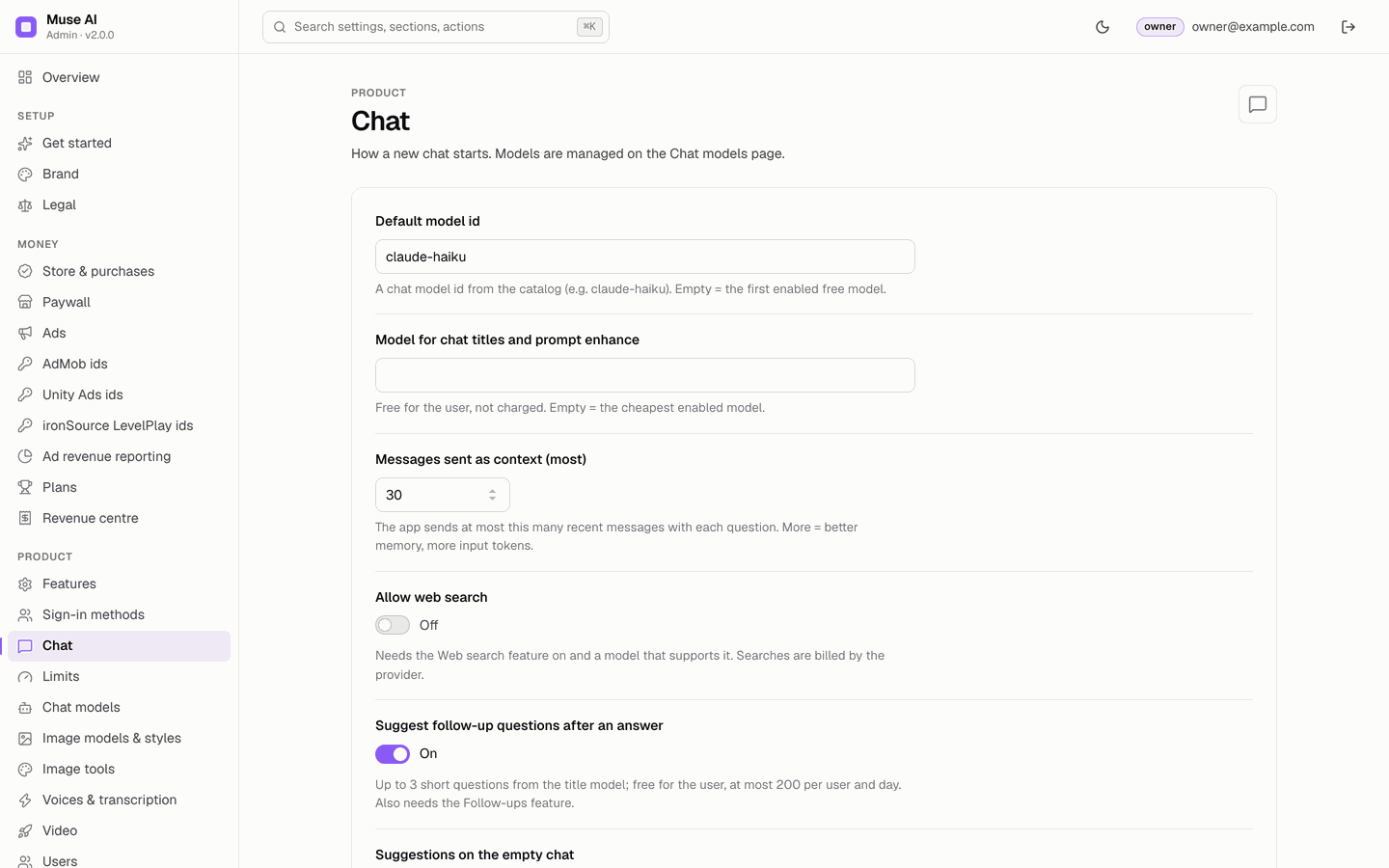
Default model id (empty = the first enabled free model), Model for chat titles and prompt enhance (free for the user; empty = the cheapest enabled model), Messages sent as context (2–100, default 30), Allow web search (needs the feature and a model that supports it; searches are billed by the provider), Suggest follow-up questions after an answer (up to 3, at most 200 per user and day) and Suggestions on the empty chat (up to 8, each up to 80 characters).
09AI providers & keys
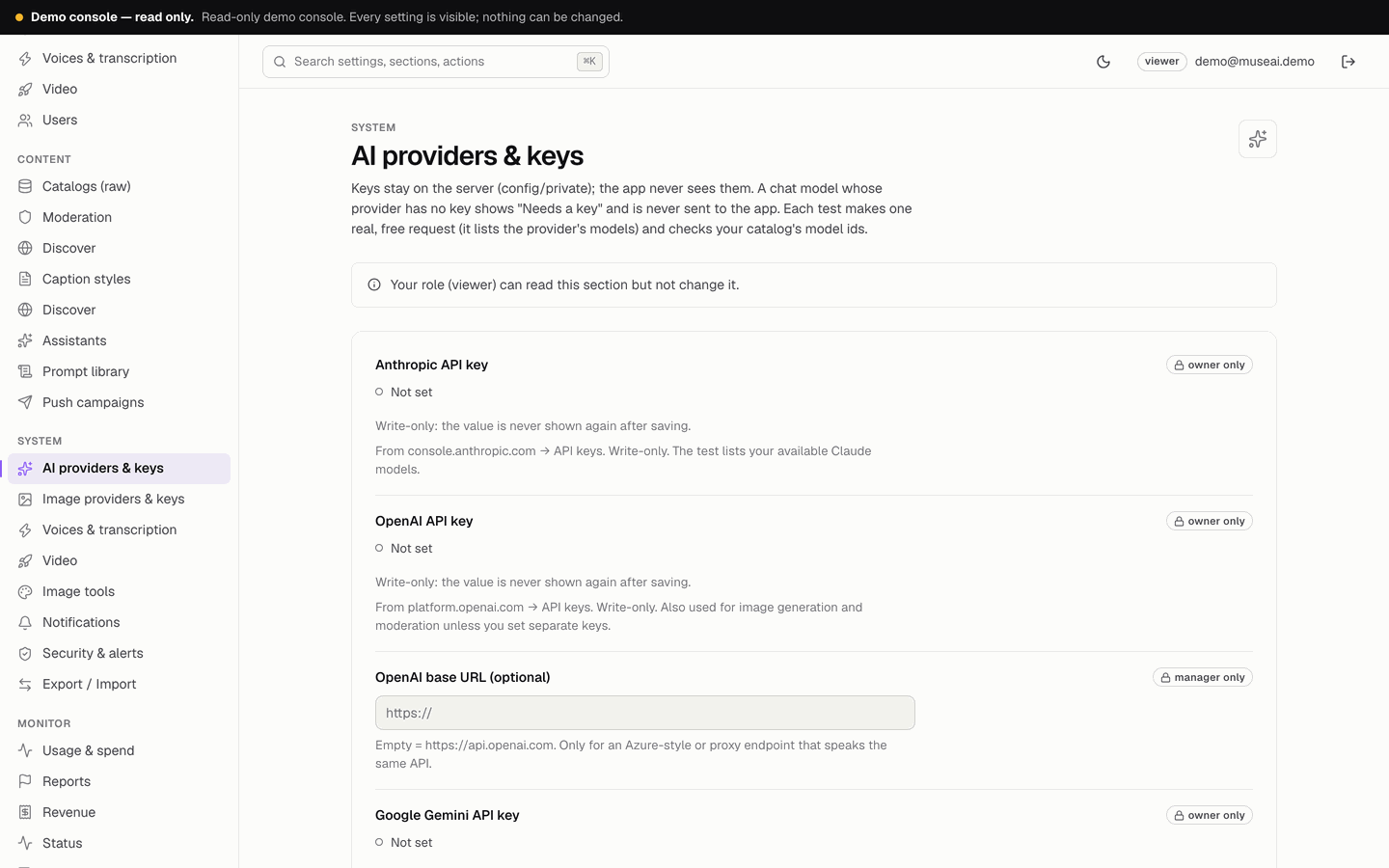
Anthropic, OpenAI (plus an optional base URL for a proxy), Google Gemini and four OpenAI-compatible endpoints (name, base URL, key), and the global daily AI call cap. Keys are write-only: after saving they are never shown again, only "Set · updated …" with Replace, Clear and Test connection. Details and every tester message: AI providers and models; where to get each key: Provider dashboards.
10Image providers & keys
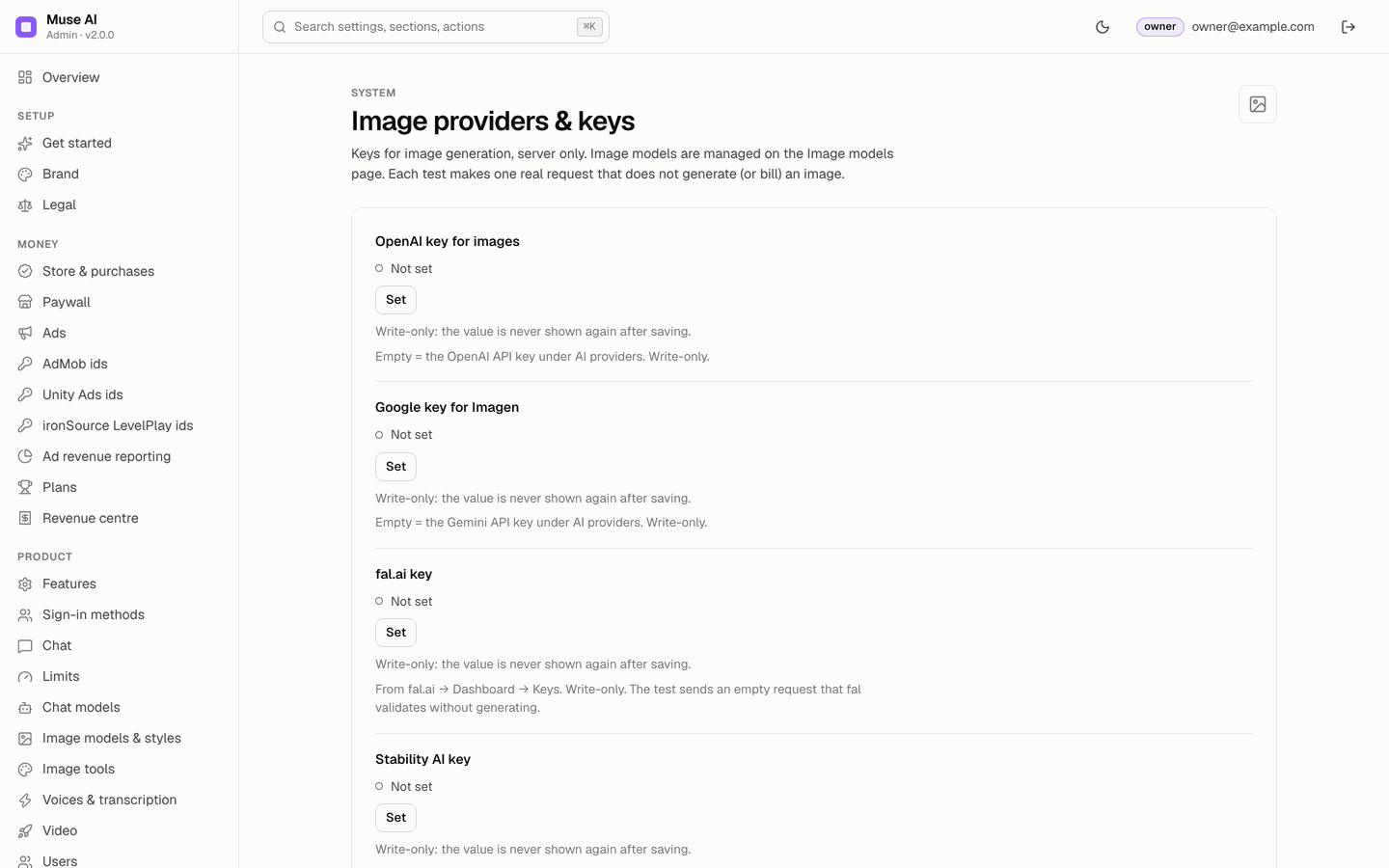
OpenAI key for images, Google key for Imagen (both fall back to the AI provider keys when empty), fal.ai key, Stability AI key, and the global daily image cap (image edits and tools count toward it). Each test makes one request that generates and bills no image.
11Chat models
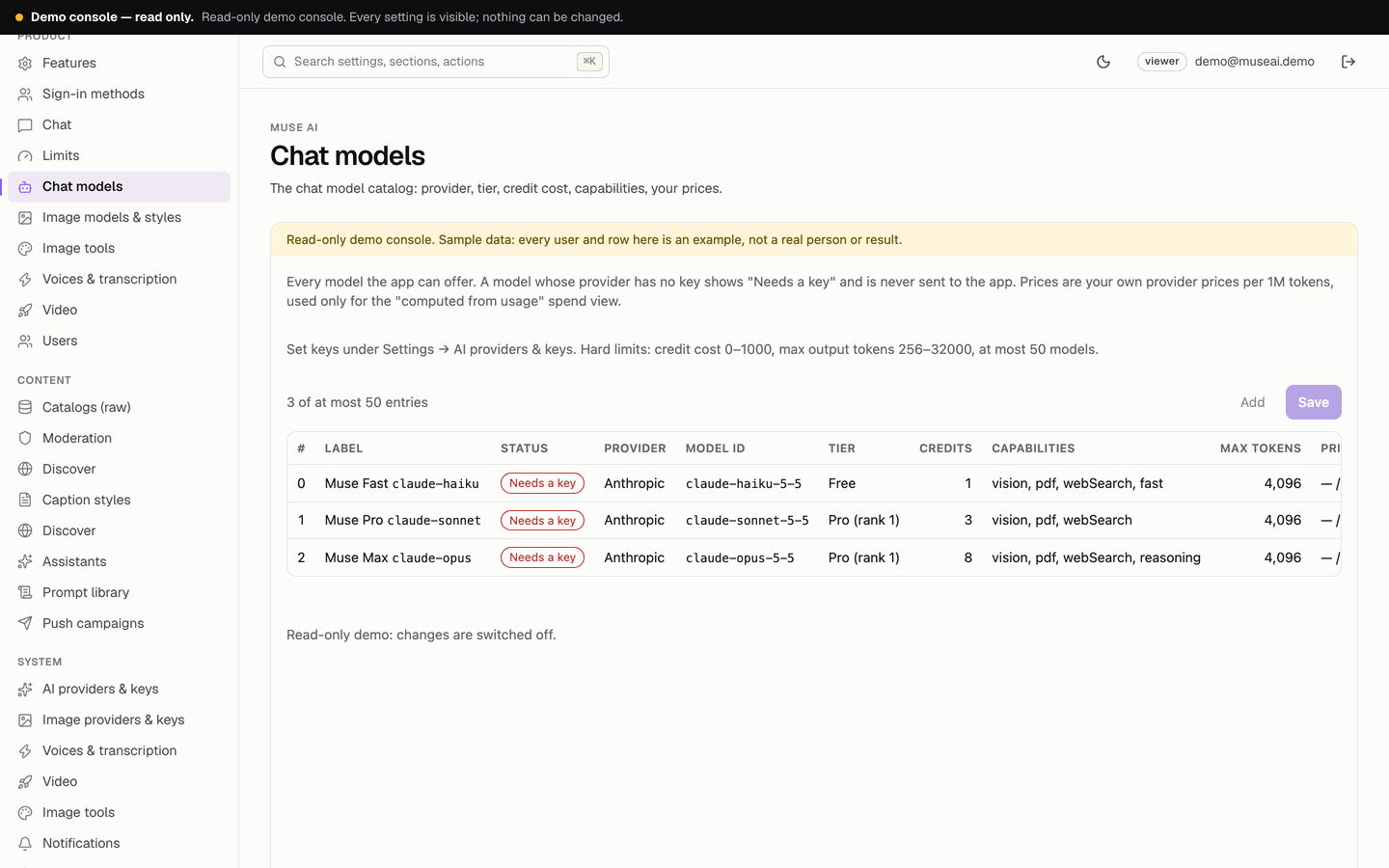
The list editor of the chat catalog: id, label in the app, provider (and compatible endpoint), provider model id, tier (free or a plan id), credit cost per message (0–1000), max output tokens (256–32000), badge, your price per 1M input and output tokens, capabilities (photos, PDF files, web search, reasoning, fast) and Enabled. Click a row to edit it, Apply to the list, then Save. Status column: Needs a key (its provider has no key: written to the app as disabled), Live or Off. At most 50 models.
12Image models & styles
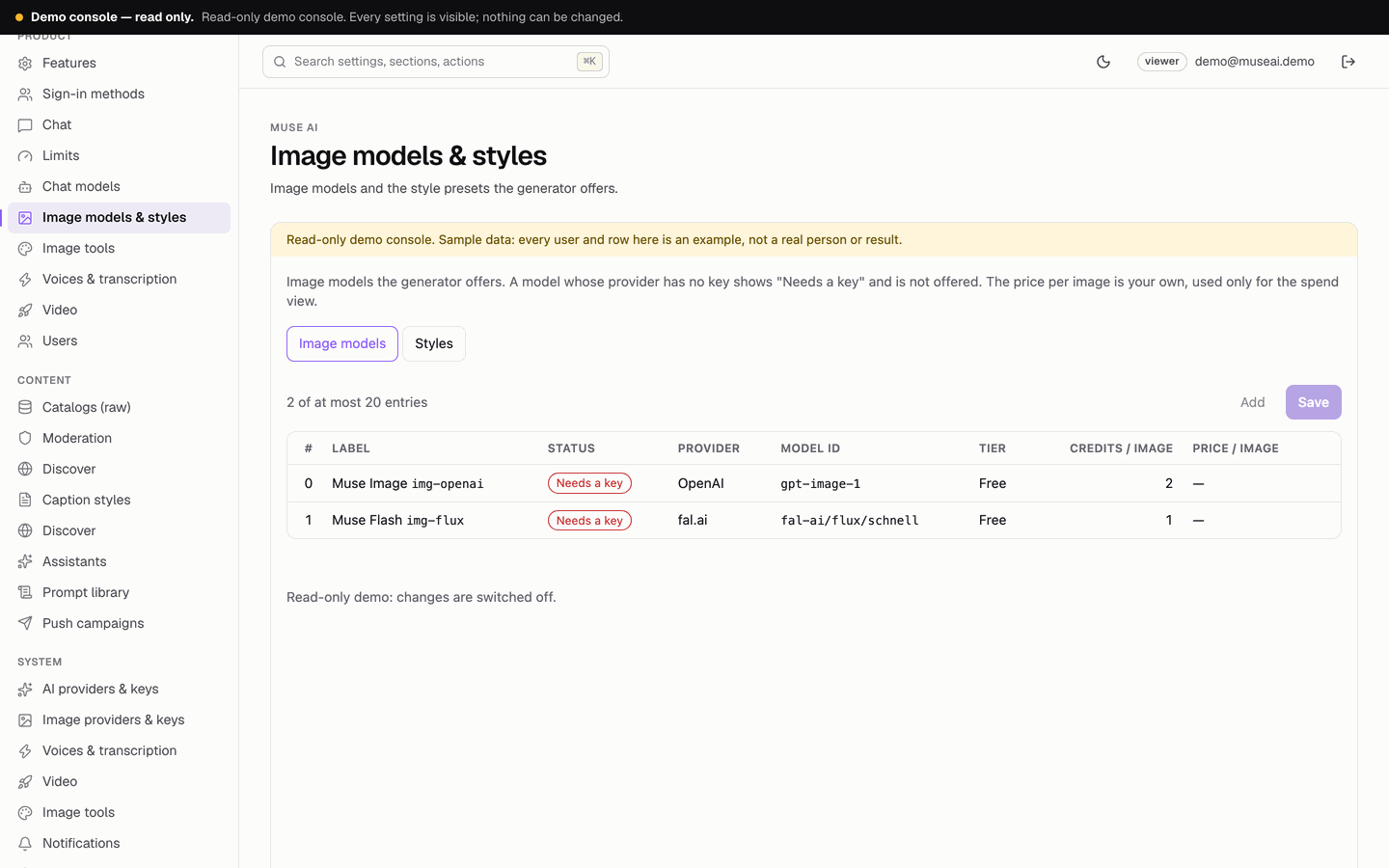
Two tabs. Image models: provider, model id, tier, credits per image and your price per image. Styles: the 12 presets of the Image Studio, each a label, a prompt suffix added to the user's prompt and the preview tile it uses; a style can be hidden. At most 20 image models.
13Image tools
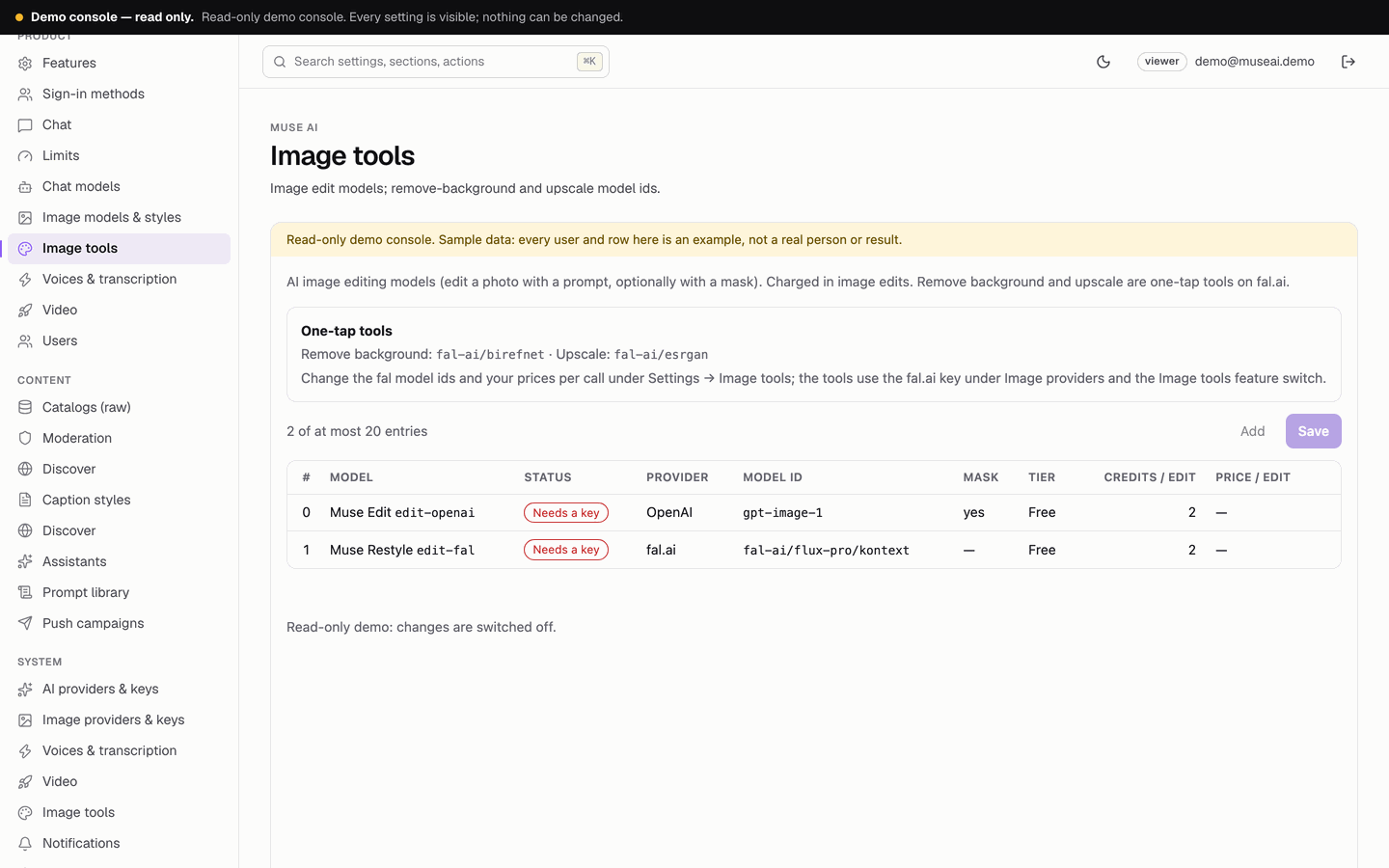
A page and a settings section. The page lists the image edit models (two ship, disabled: "Muse Edit" on OpenAI gpt-image-1 and "Muse Restyle" on a fal.ai Kontext model). The settings hold the fal.ai model ids of Remove background and Upscale (empty = hidden) and your price per call. Guide: Image tools.
14Voices & transcription
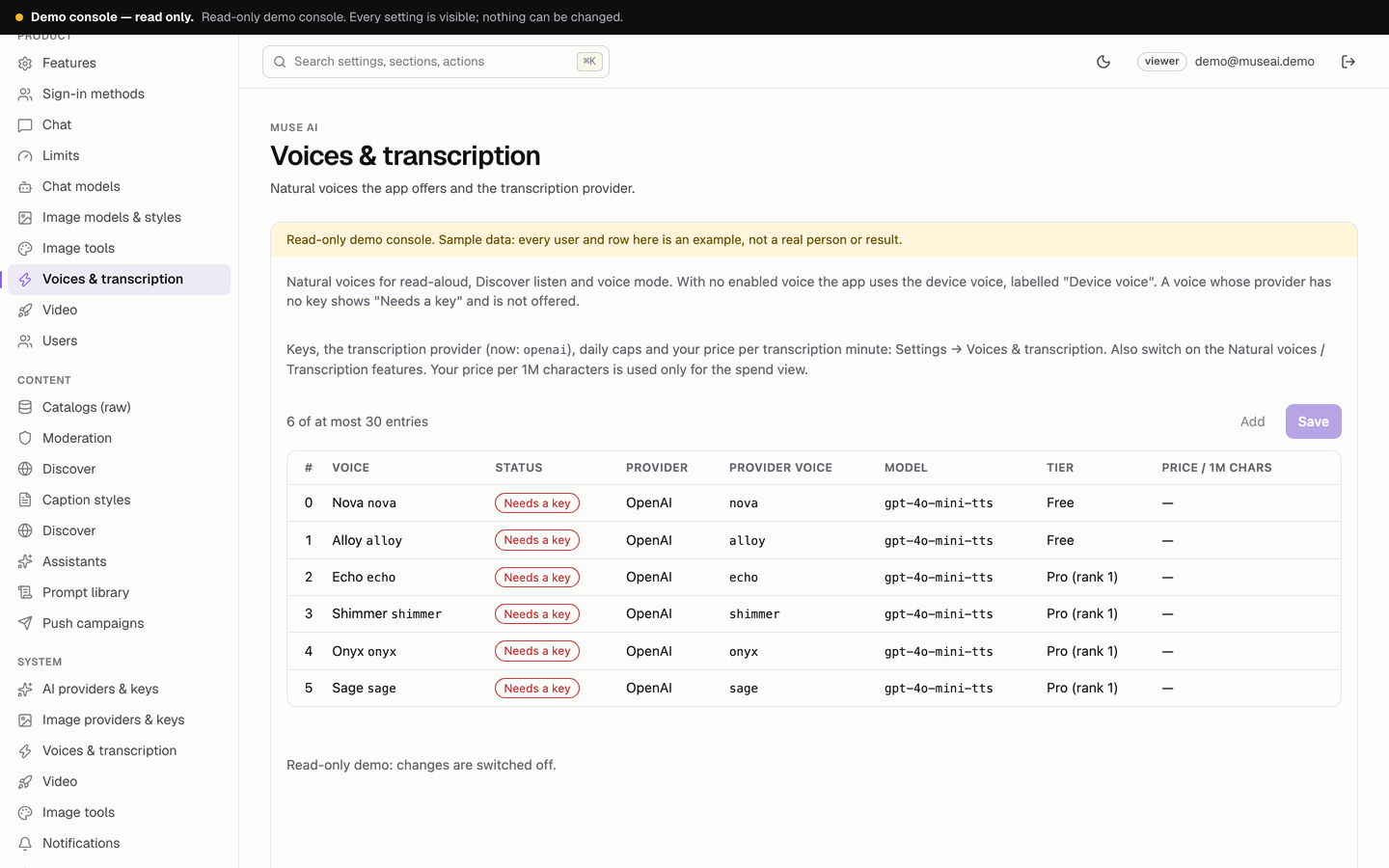
A page and a settings section. The page lists the natural voices the app offers (six OpenAI voices ship, disabled), each with provider, provider voice, model, tier and your price per 1M characters. The settings hold the OpenAI, ElevenLabs, Gemini and Deepgram keys (each with a tester), the transcription provider and model, the two global daily caps and your price per transcription minute. Guide: Voice.
15Video
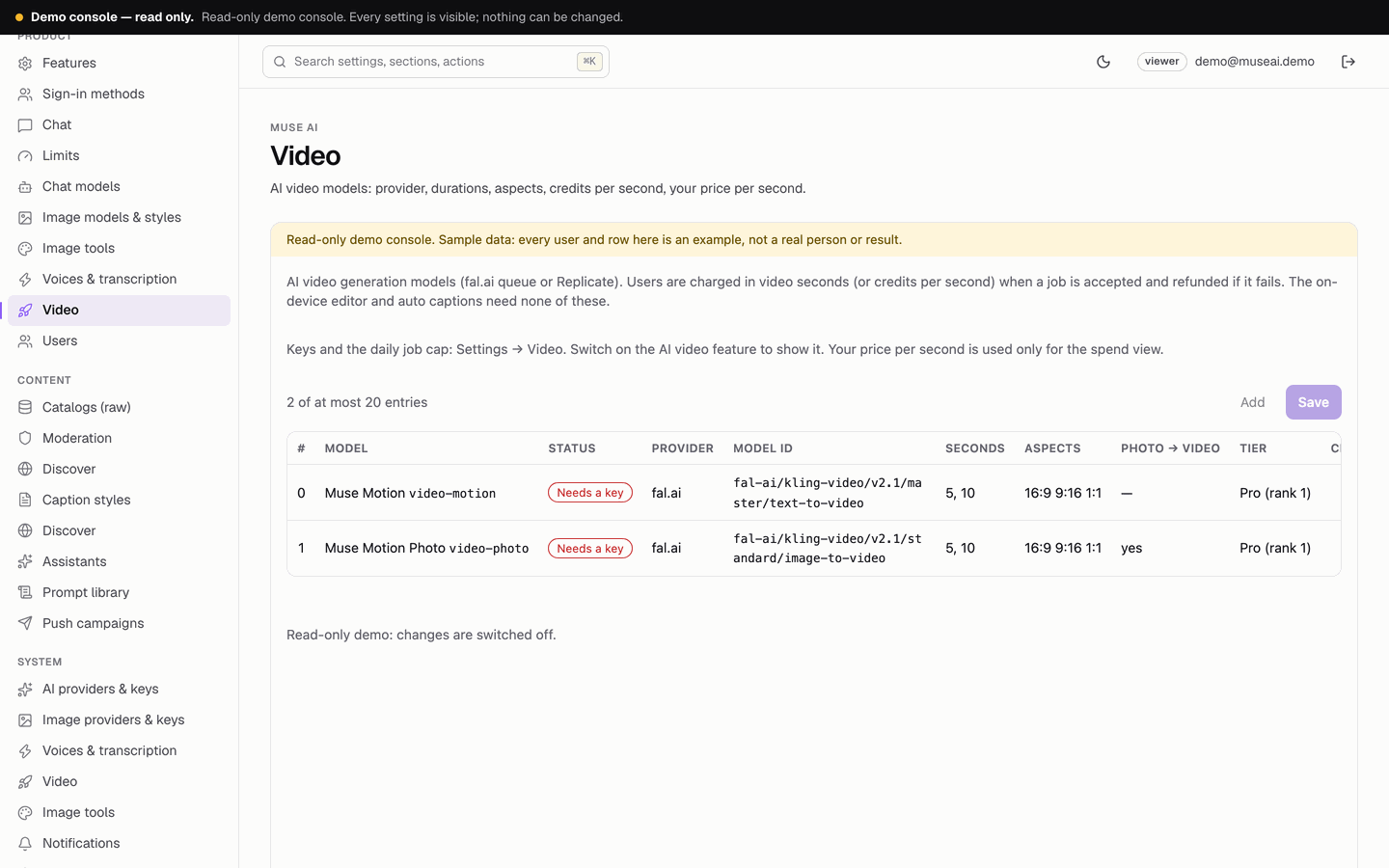
A page and a settings section. The page lists the AI video models (two fal.ai Kling models ship, disabled): provider, model id, durations, aspect ratios, image-to-video, credits per second, tier and your price per second. The settings hold the fal.ai and Replicate keys and the daily job cap. Guide: Video Studio.
16Caption styles
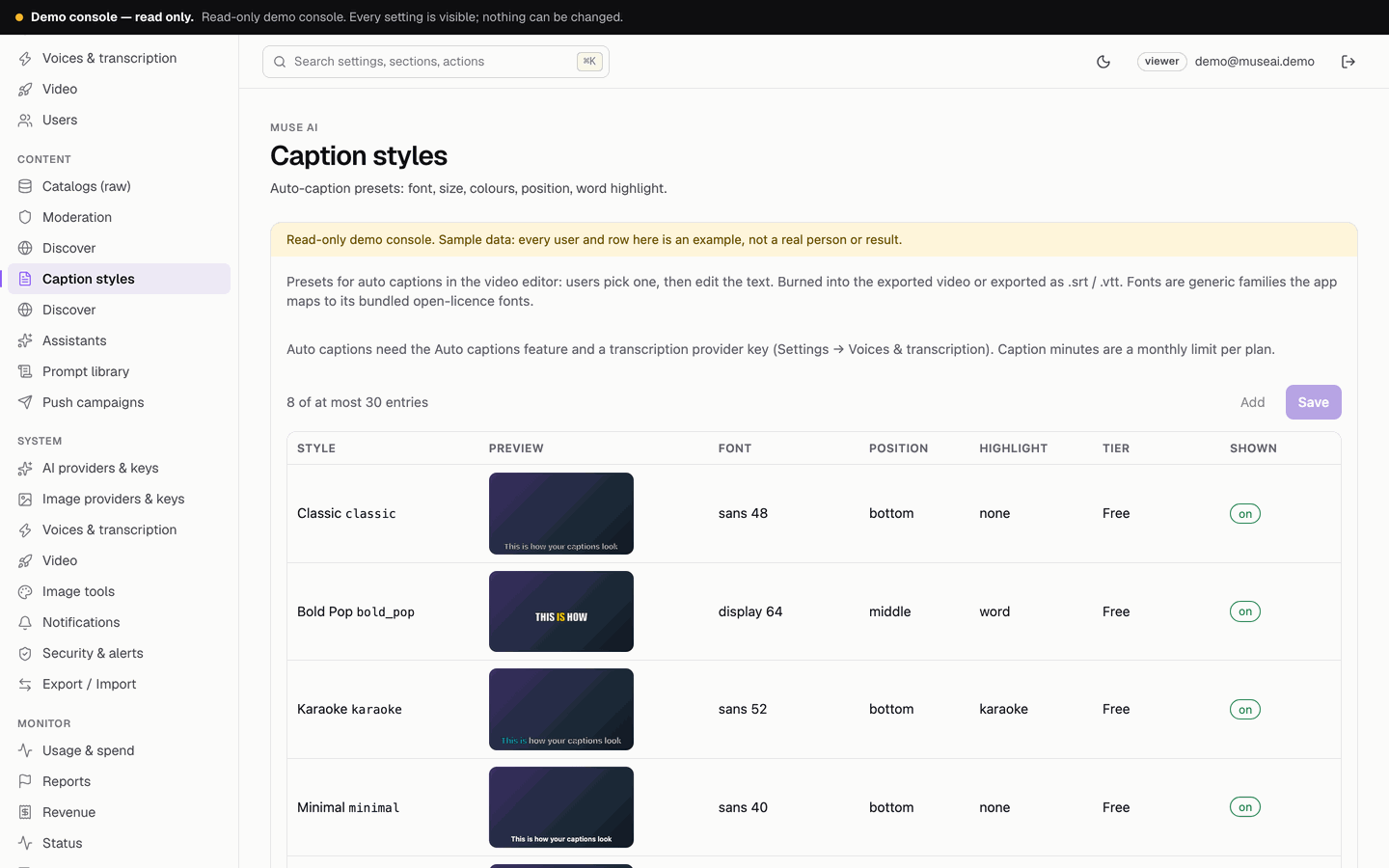
The presets of the auto-caption editor, with a live preview: font family, size, colours, outline, background box, position, word or karaoke highlight, upper case, words per line, tier and shown or hidden. Eight ship: Classic, Bold Pop, Karaoke, Minimal, Neon, Boxed, Subtle, Headline. At most 30.
17Discover
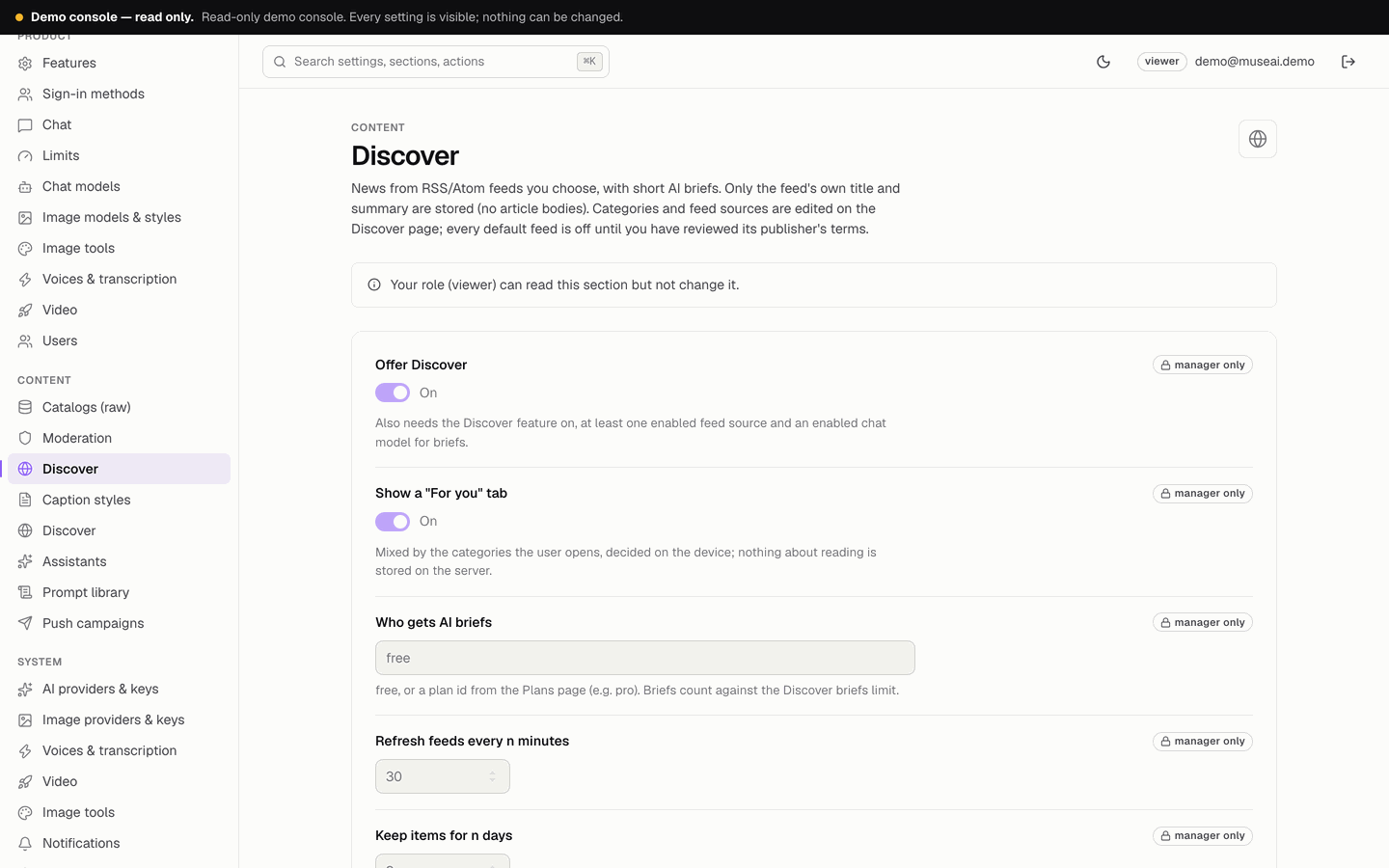
A page and a settings section. The page edits the categories (up to 12) and the RSS / Atom feed sources (up to 50, stored only in config/private), each with Test feed, which fetches the feed from the server and shows its first three titles. The settings switch Discover on, the "For you" tab, who gets AI briefs, the refresh interval and how long items are kept. Guide and publisher terms: Discover.
18Assistants
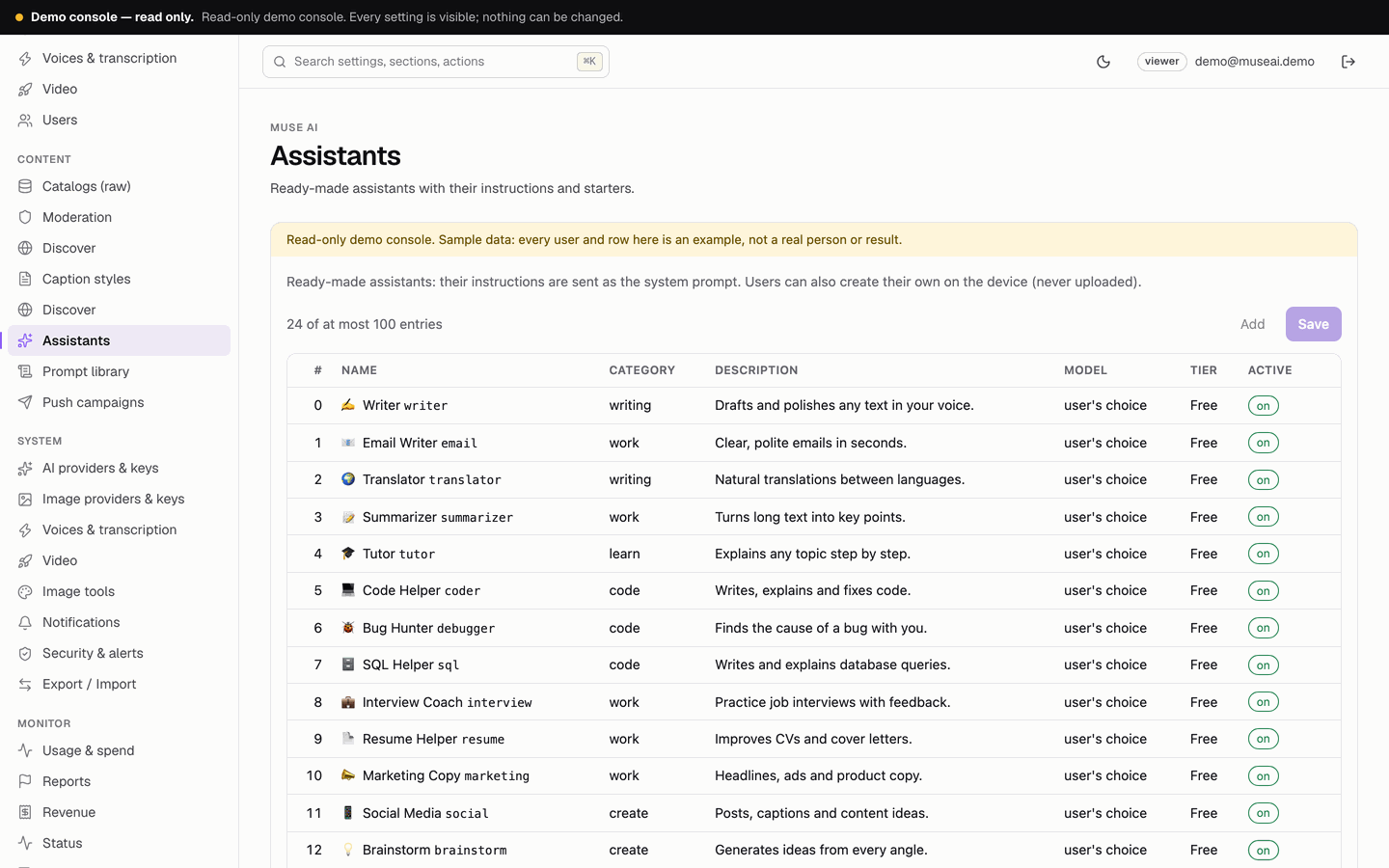
The ready-made assistants (24 ship): name, emoji, category, description, instructions (the system prompt), up to 4 conversation starters, an optional fixed model and the tier.
19Prompt library
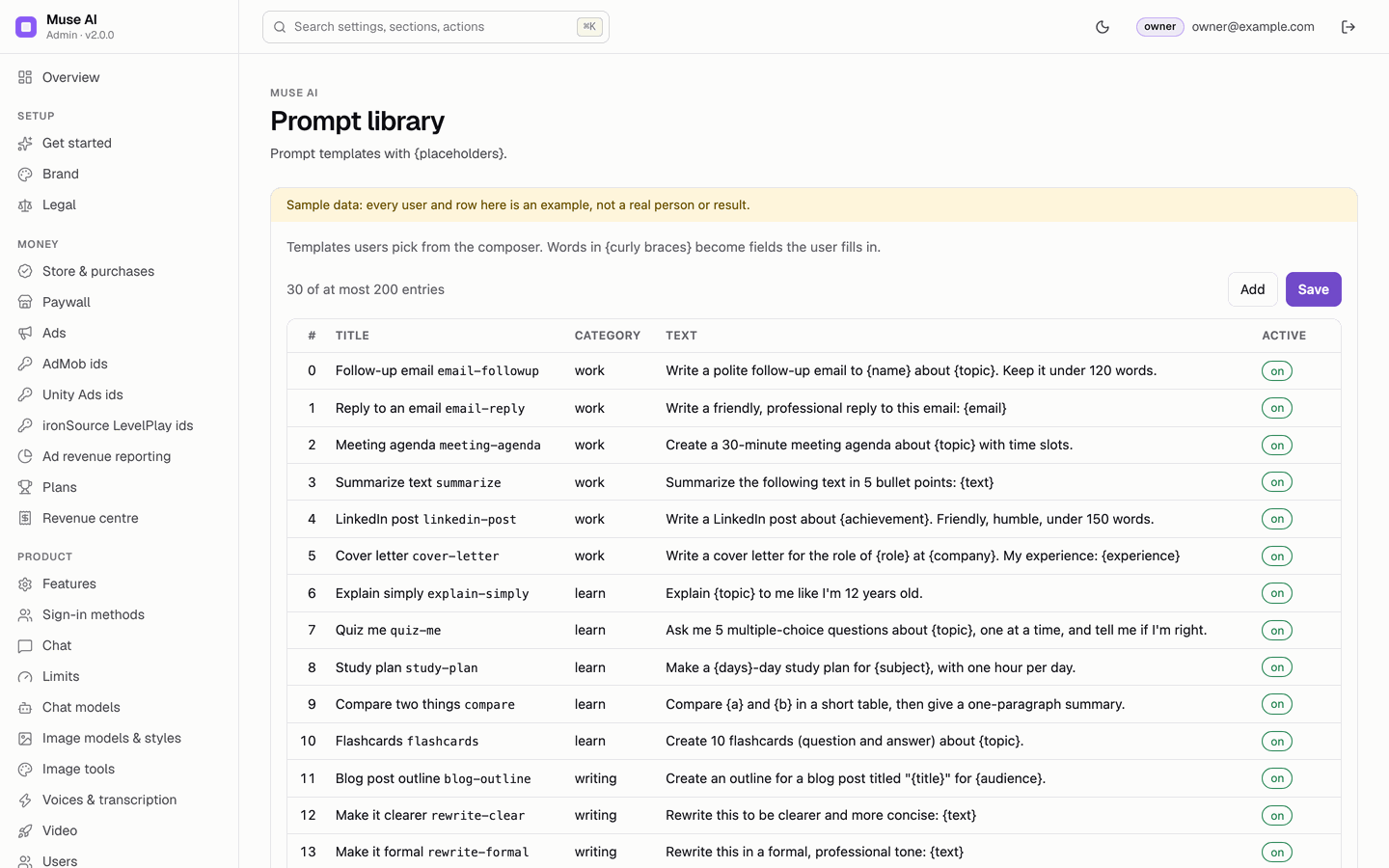
Prompt templates users pick in Assistants and prompts (30 ship). Words in {curly braces} become fields the user fills in, for example "Write a polite follow-up email to {name} about {topic}." At most 200.
20Catalogs (raw)
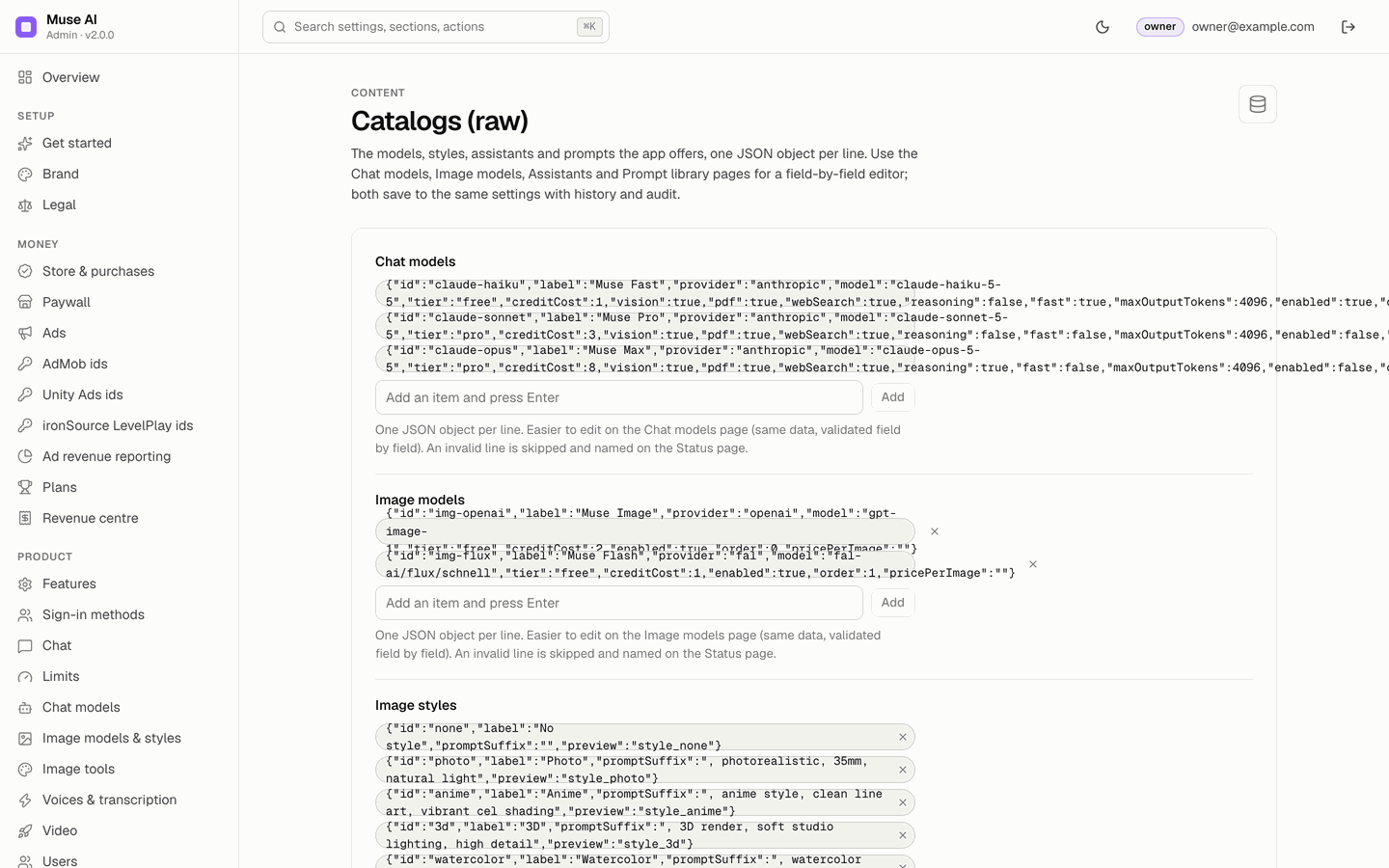
Every catalog (chat models, image models, styles, assistants, prompts, plans, Discover categories and feeds, voices, video models, image edit models, caption styles) as one JSON object per line, for bulk edits or copy and paste between installs. Both editors save to the same settings with history and audit. An invalid line is skipped and named on Status.
21Moderation
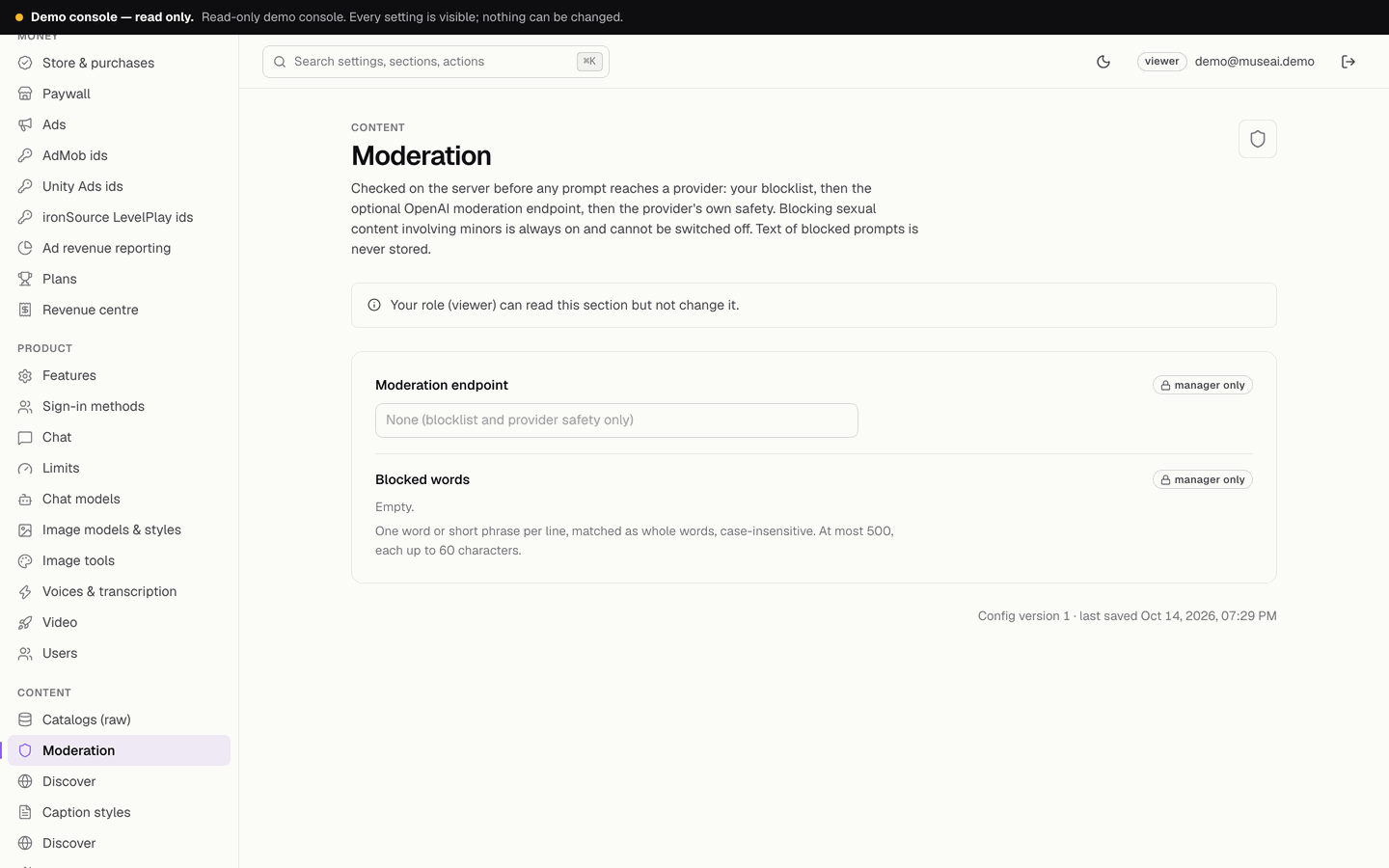
Moderation endpoint: None (blocklist and provider safety only) or OpenAI moderation (omni-moderation-latest, uses the OpenAI key). Blocked words: up to 500 words or short phrases, matched as whole words, case-insensitive. What is checked and what is not: Security → moderation scope. A failing moderation endpoint does not block. The text of blocked prompts is never stored; only the count.
22Limits
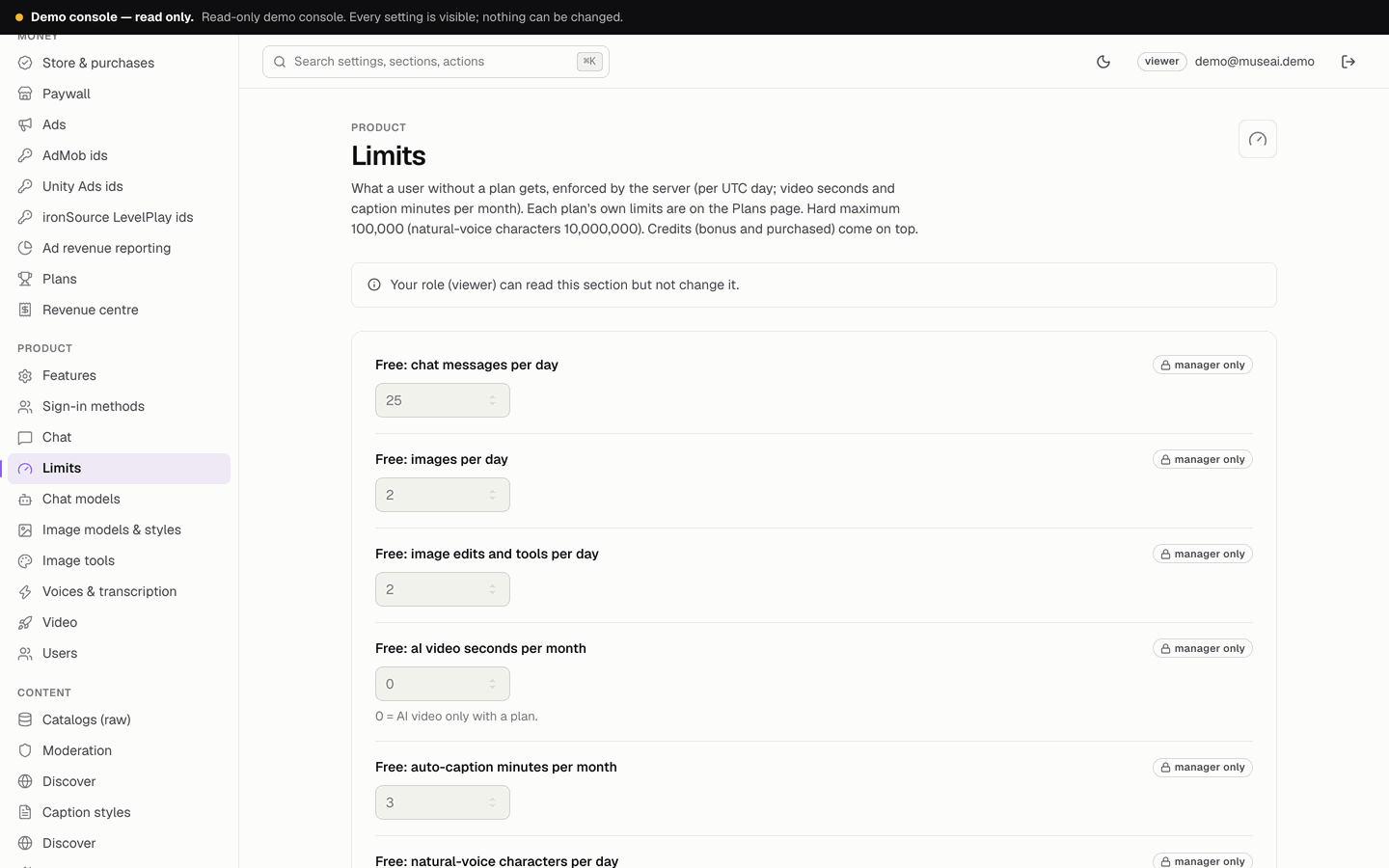
What a user without a plan gets, enforced by the server: per UTC day chat messages (20), images (2), image edits and tools (2), natural-voice characters (3,000), transcription minutes (5), Discover briefs (5) and rewarded unlocks (3); per month AI video seconds (0 = only with a plan) and auto-caption minutes (3). Each plan's own limits are on the Plans page. Credits come on top.
23Plans
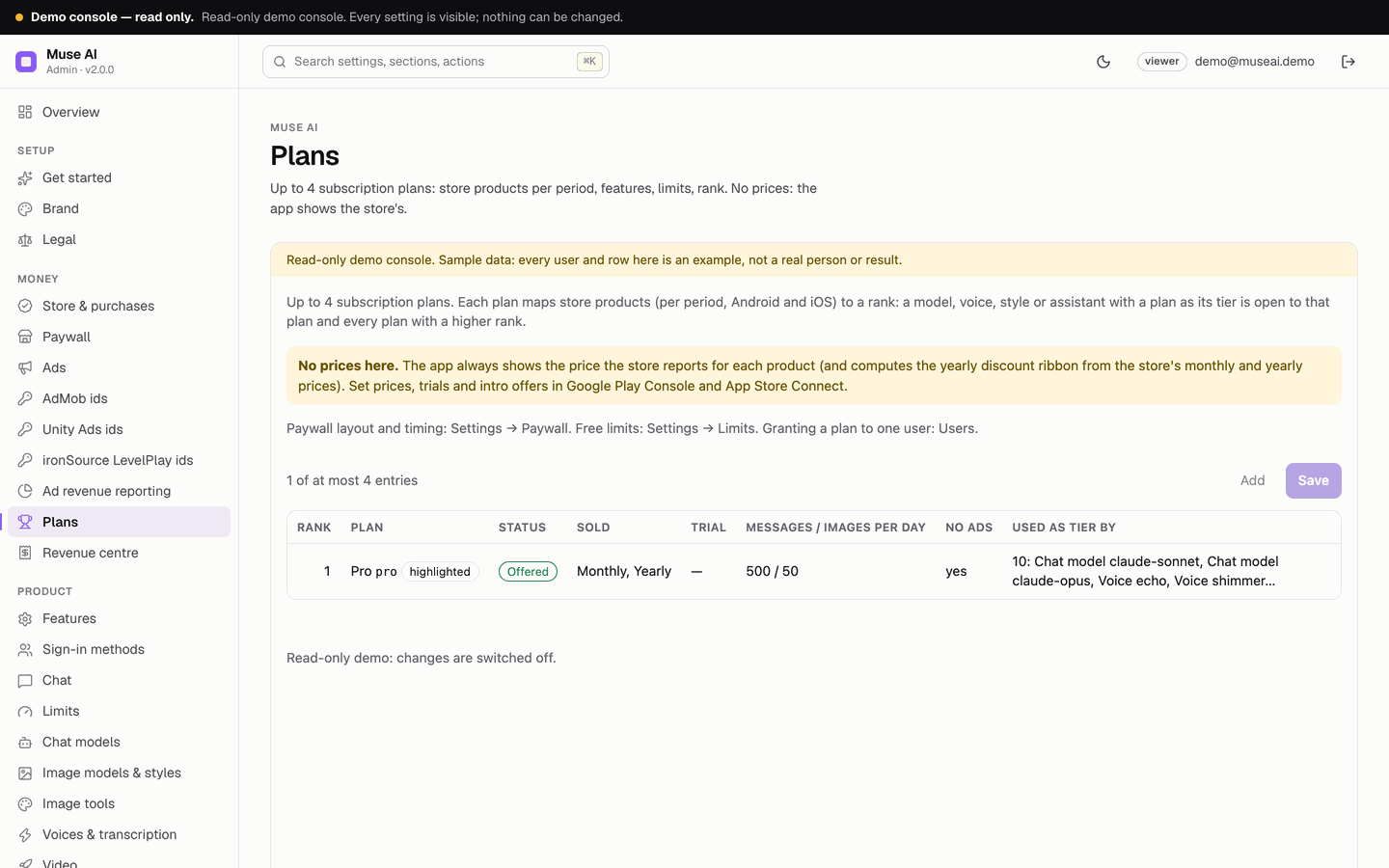
Up to 4 subscription plans: id, name, tagline, rank, highlight, colour, store product ids per period for Android and iOS, trial days shown, features with icons, every limit, no ads, active. There is no price field: the app shows the stores' prices. Guide: Plans and paywall.
24Paywall
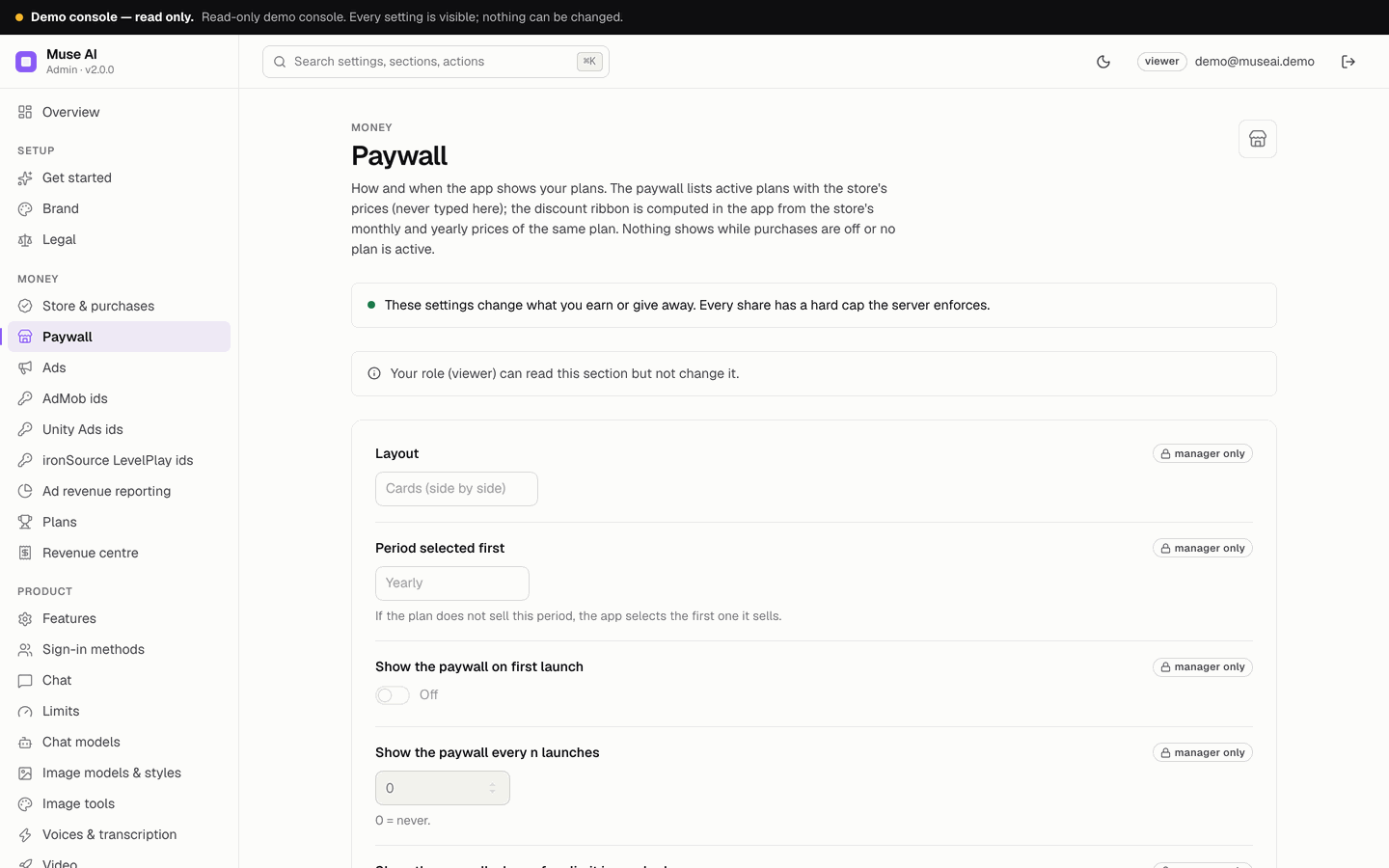
Layout (cards or list), the period selected first, when the paywall shows (first launch, every n launches, when a free limit is reached), the delay before the close button (at most 5 seconds), the title, subtitle and the line under the buttons.
25Store & purchases
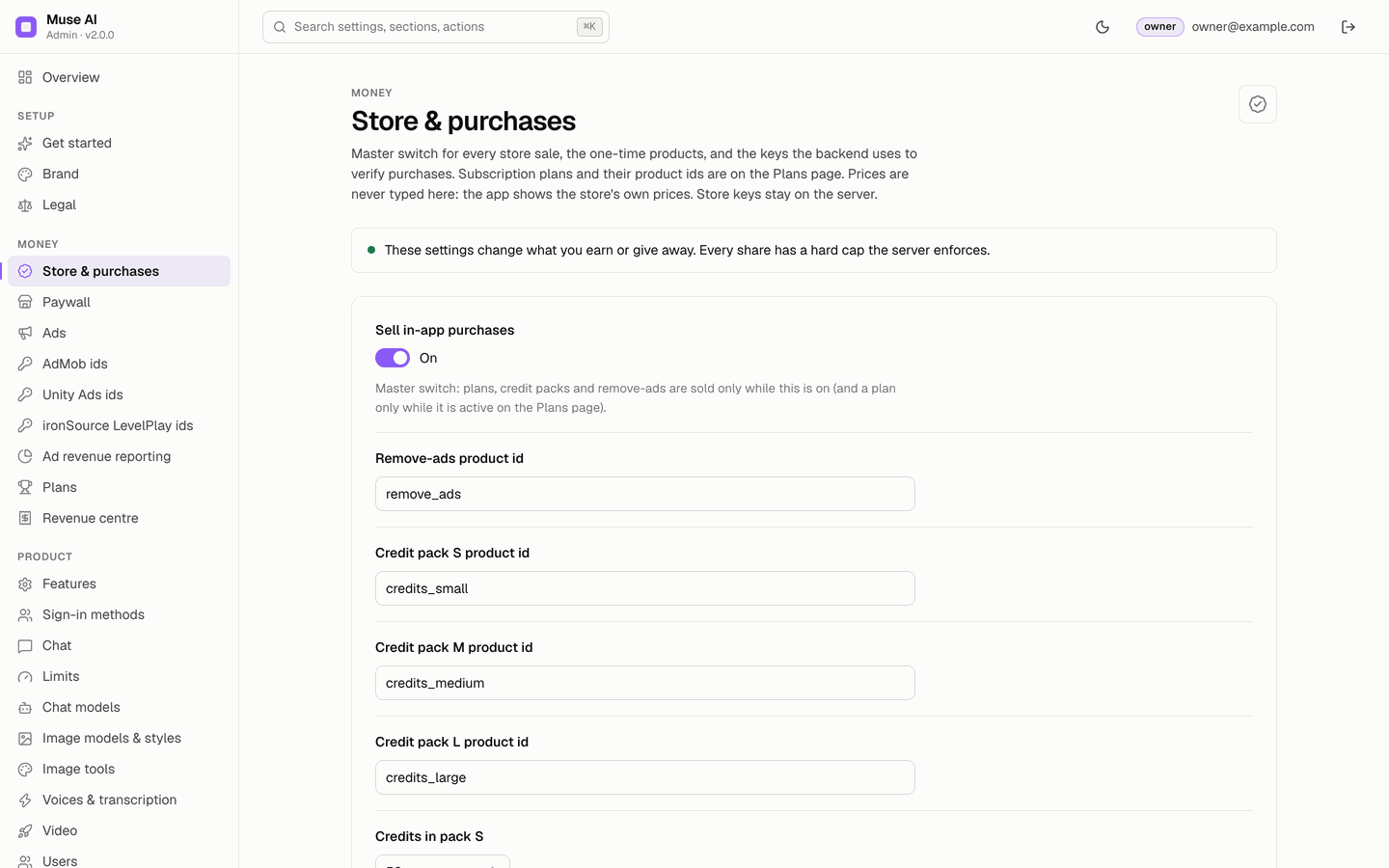
The master switch Sell in-app purchases, the Remove-ads and credit-pack product ids, the credits in each pack, and the store verification credentials (owner only): Android package name, Google Play service account JSON, iOS bundle id, App Store Connect issuer id, in-app purchase key id and .p8 key, App Store environment. See In-app purchases.
26Ads and the network id pages
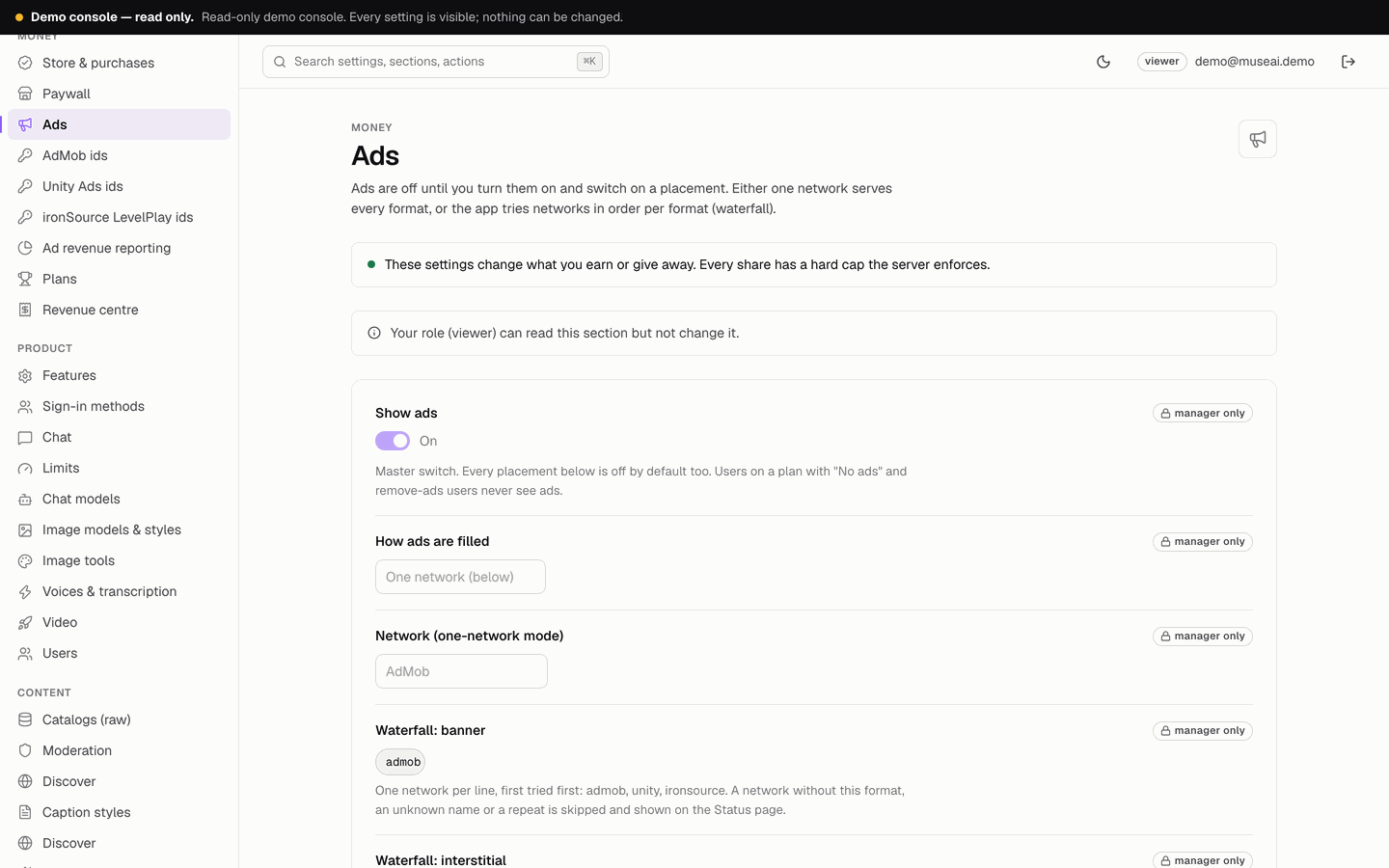
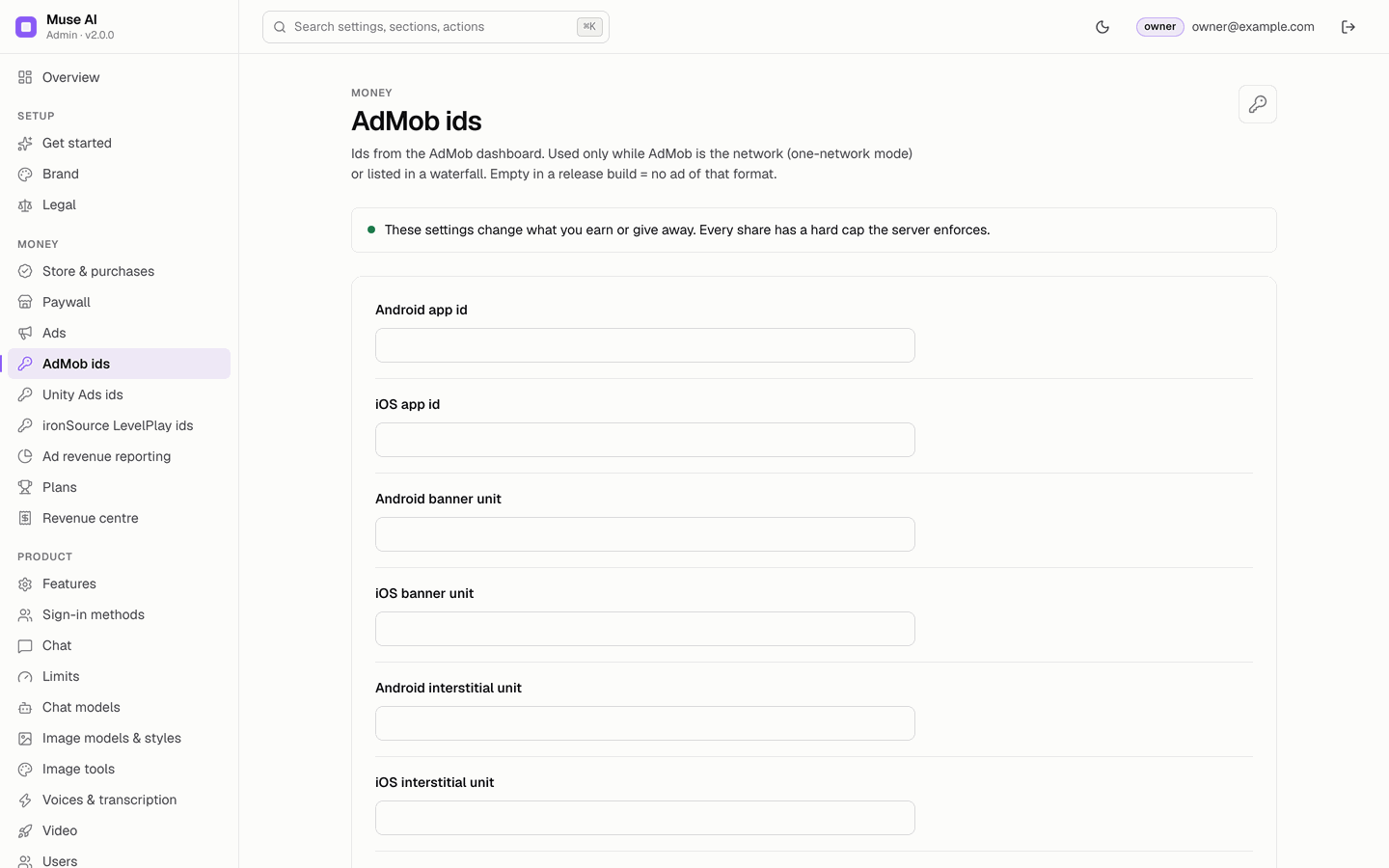
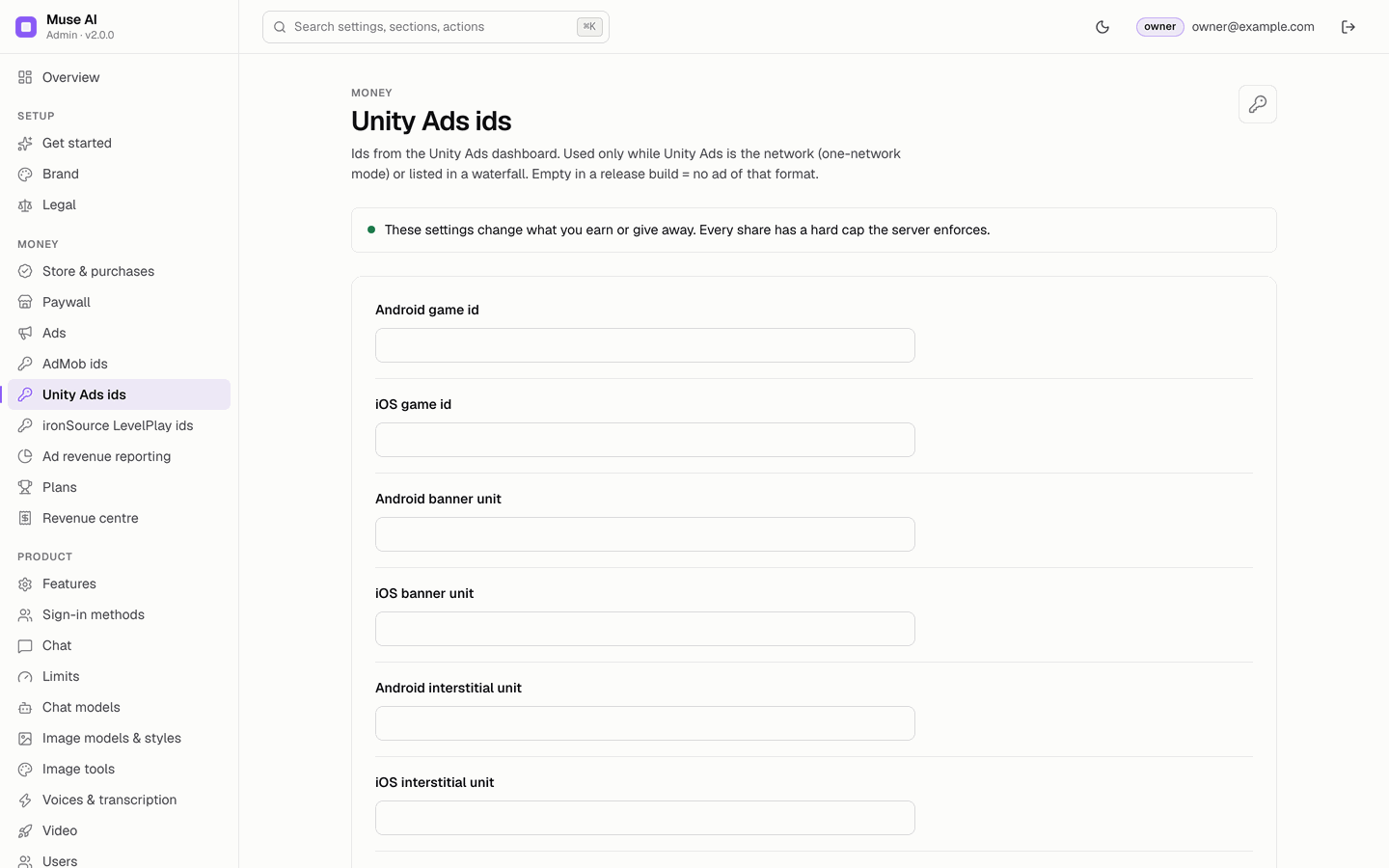
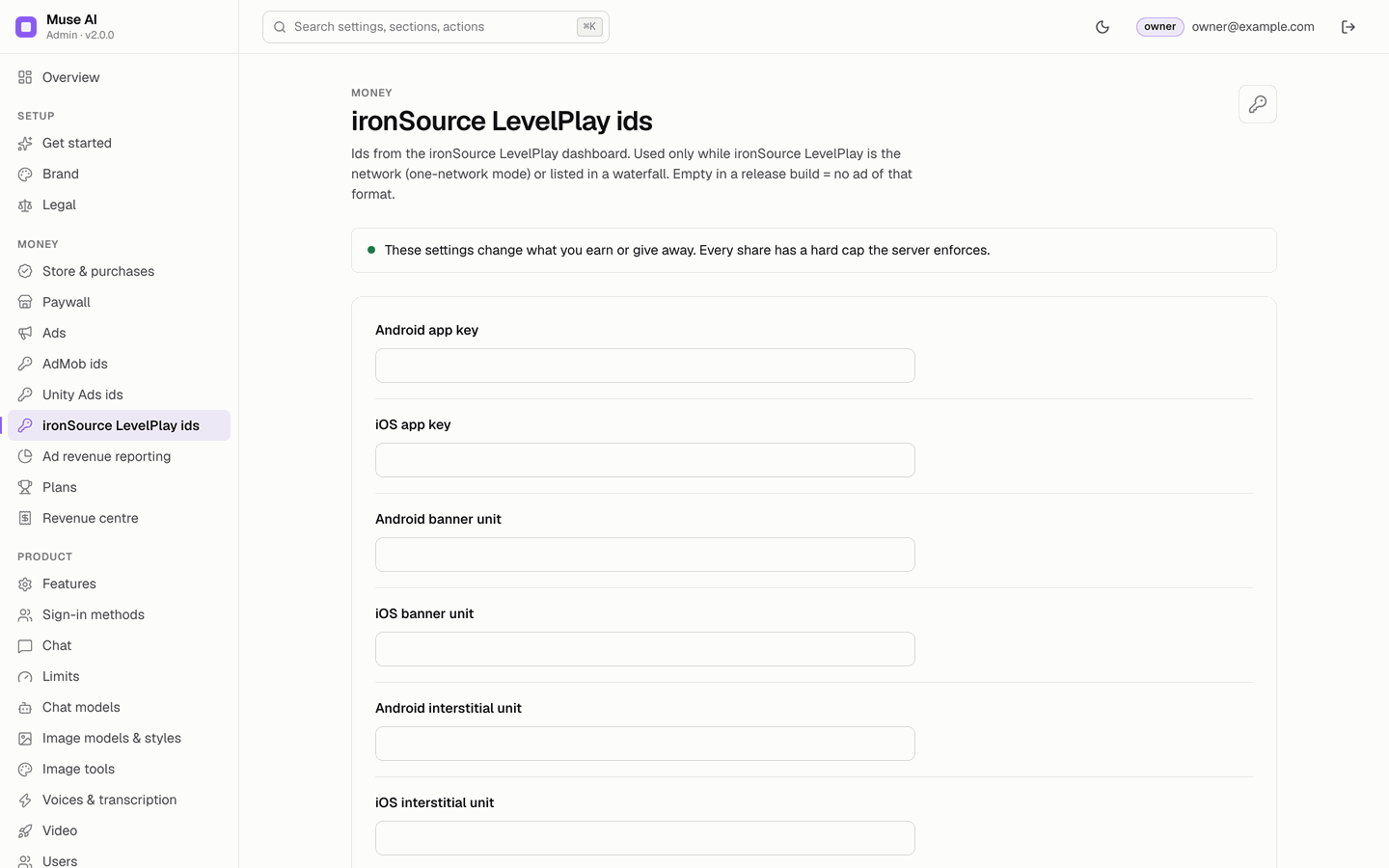
Ads: the master switch, one network or a waterfall per format, AdMob server-side verification for rewarded ads, and every placement. AdMob ids, Unity Ads ids, ironSource LevelPlay ids: the app and unit ids from each network's dashboard. See Ads.
27Ad revenue reporting
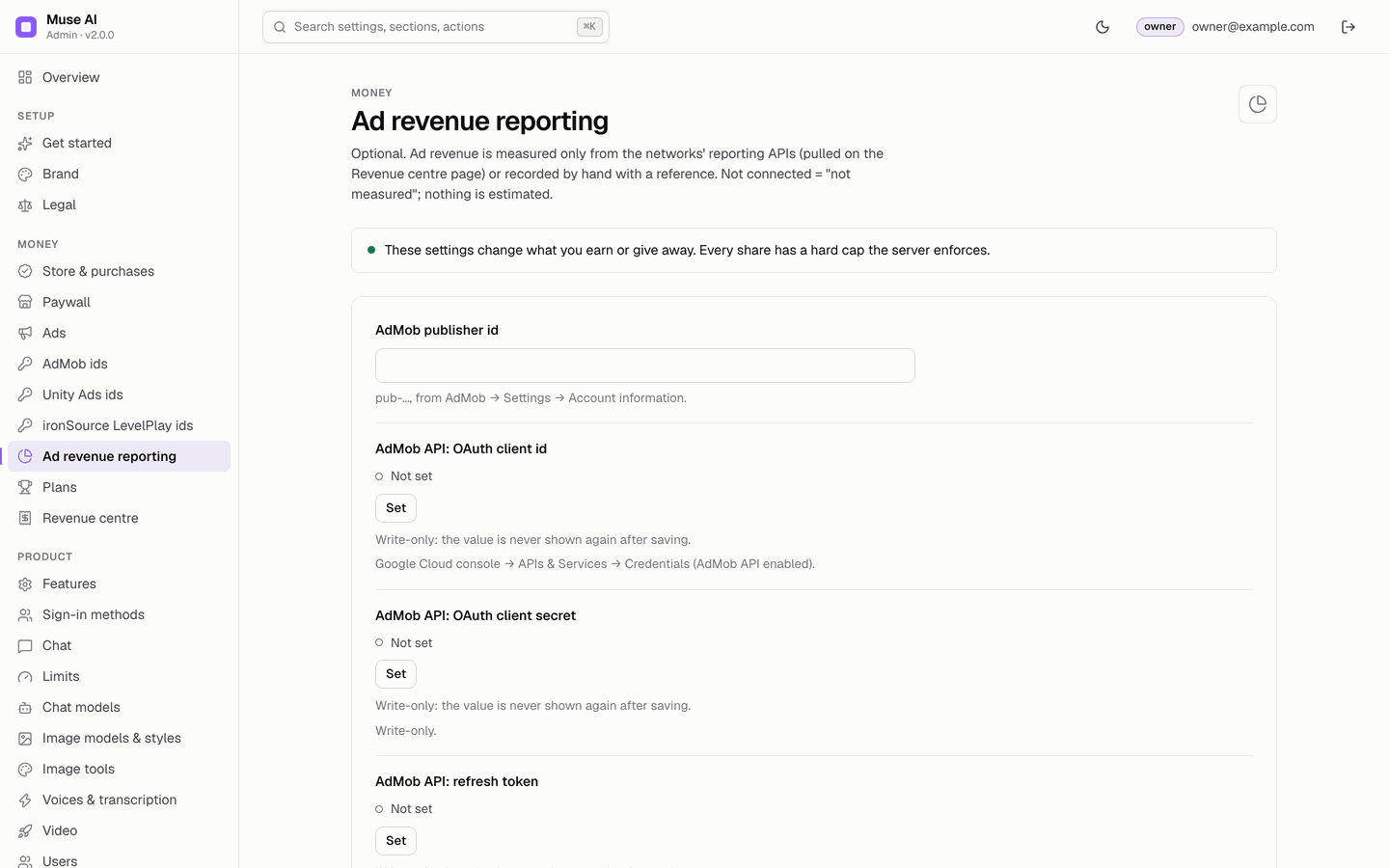
Optional credentials so the Revenue centre can pull finished days from AdMob: AdMob publisher id and AdMob API OAuth client id, secret and refresh token (scope admob.readonly). Unity Ads and LevelPlay income is recorded by hand with a reference. Not connected = ad revenue "not measured"; nothing is estimated.
28Revenue centre
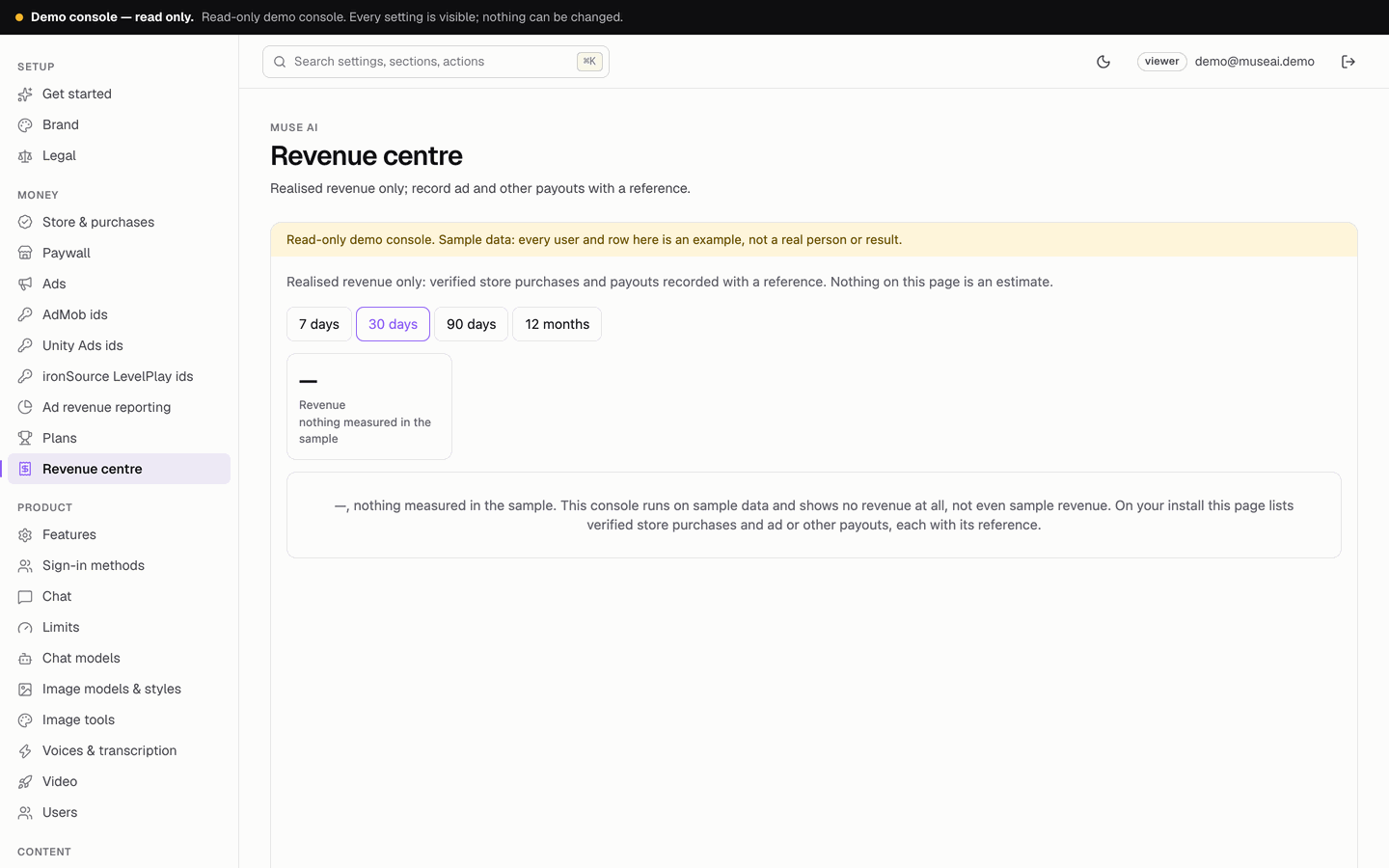
Realised revenue only, per kind, source and currency (never converted): verified store purchases written by the backend, plus ad payouts or other income you record with a required, unique reference. With AdMob reporting connected, pull one finished day (repeating a pull does not double count).
29Users
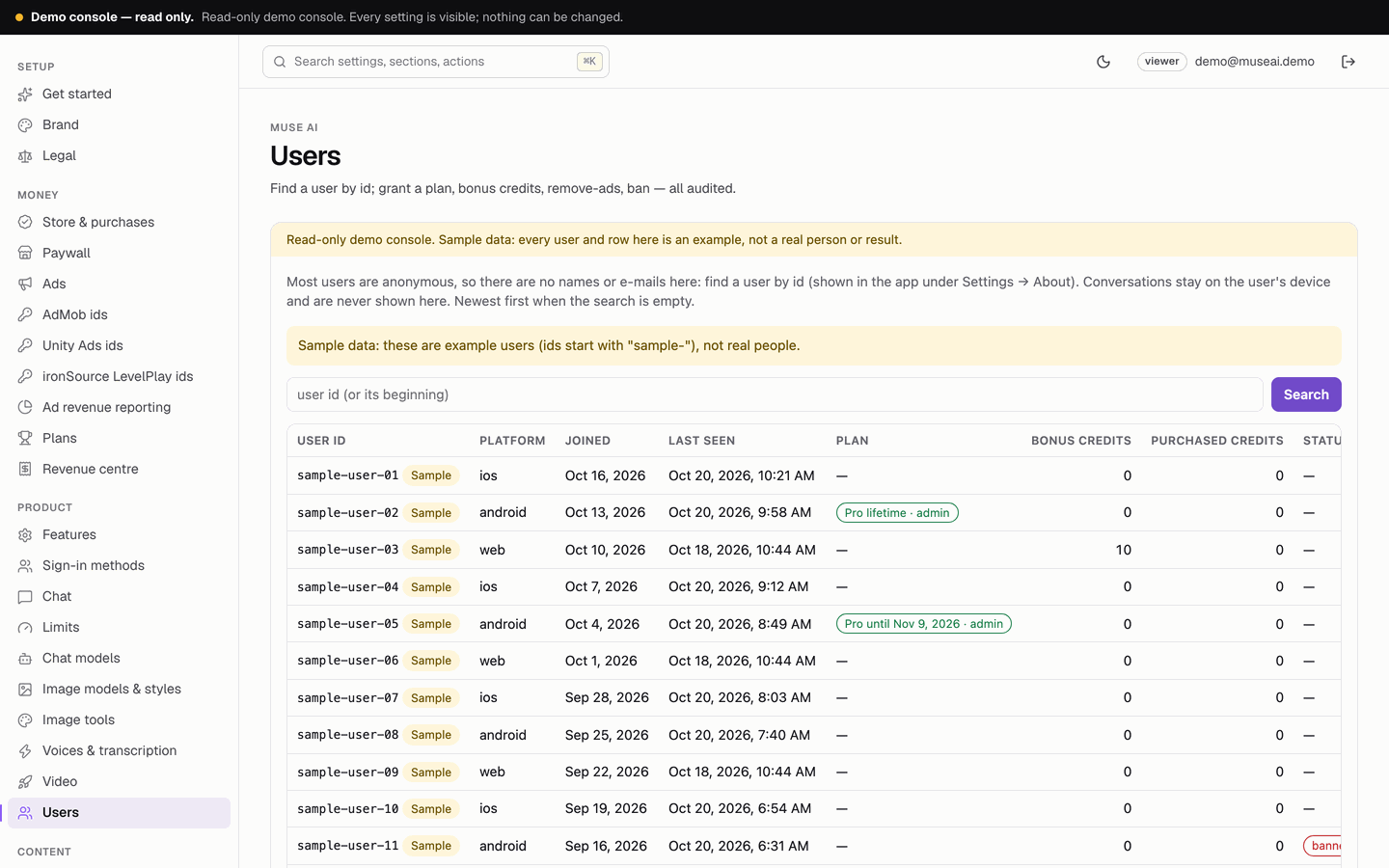
Most users are anonymous, so there are no names or e-mails: search by user id. Grant a plan until a date or for life, revoke a console grant (a store purchase is never touched), add or remove bonus credits (up to ±10,000 per change, never below 0), grant Remove ads, ban or unban. Every action needs a reason and is in the audit log. Conversations are never shown here.
30Reports
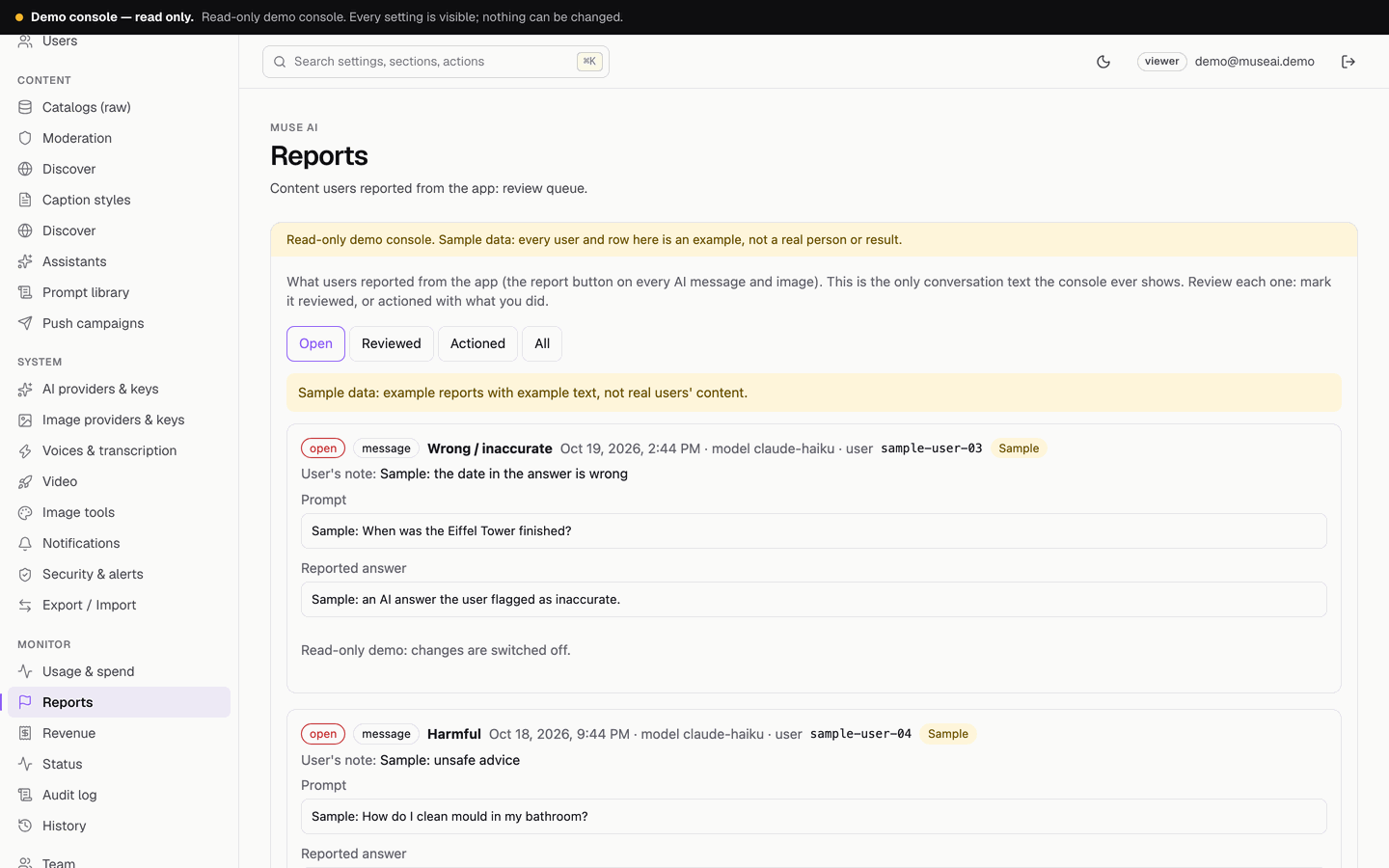
The review queue of what users reported with the report button under answers and images: reason, note, prompt, the reported answer, and the image on request (a 15-minute signed link, logged). Mark each one reviewed or actioned with what you did. This is the only conversation text the console ever shows. App stores expect you to review reports of AI content.
31Push campaigns
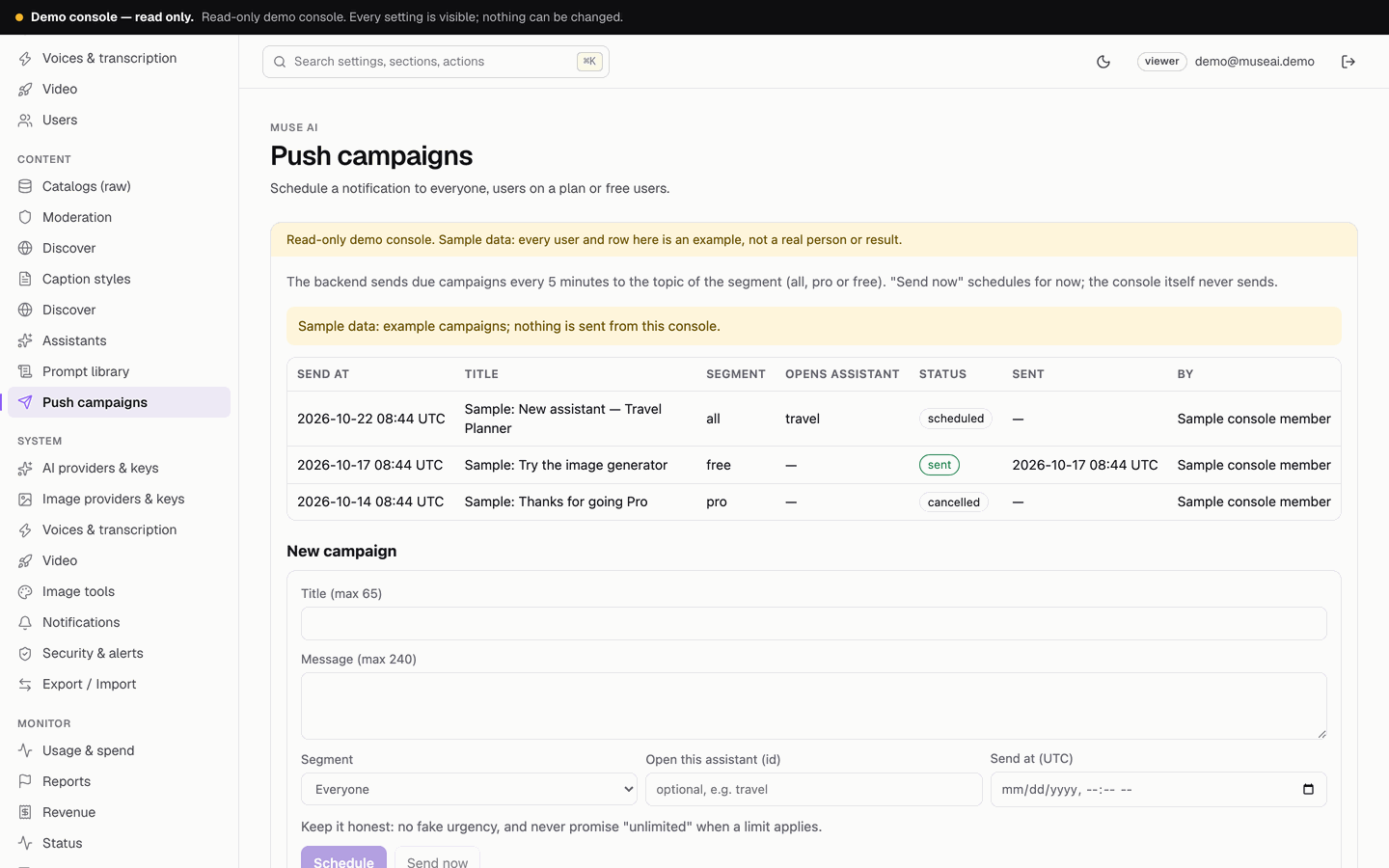
Title (up to 65 characters), message (up to 240), segment (everyone, users on a plan, or free users), an optional assistant to open, and a send time in UTC or Send now. Cancel while scheduled. The backend's sendCampaigns job sends due campaigns every 5 minutes; the console never sends itself.
32Usage & spend
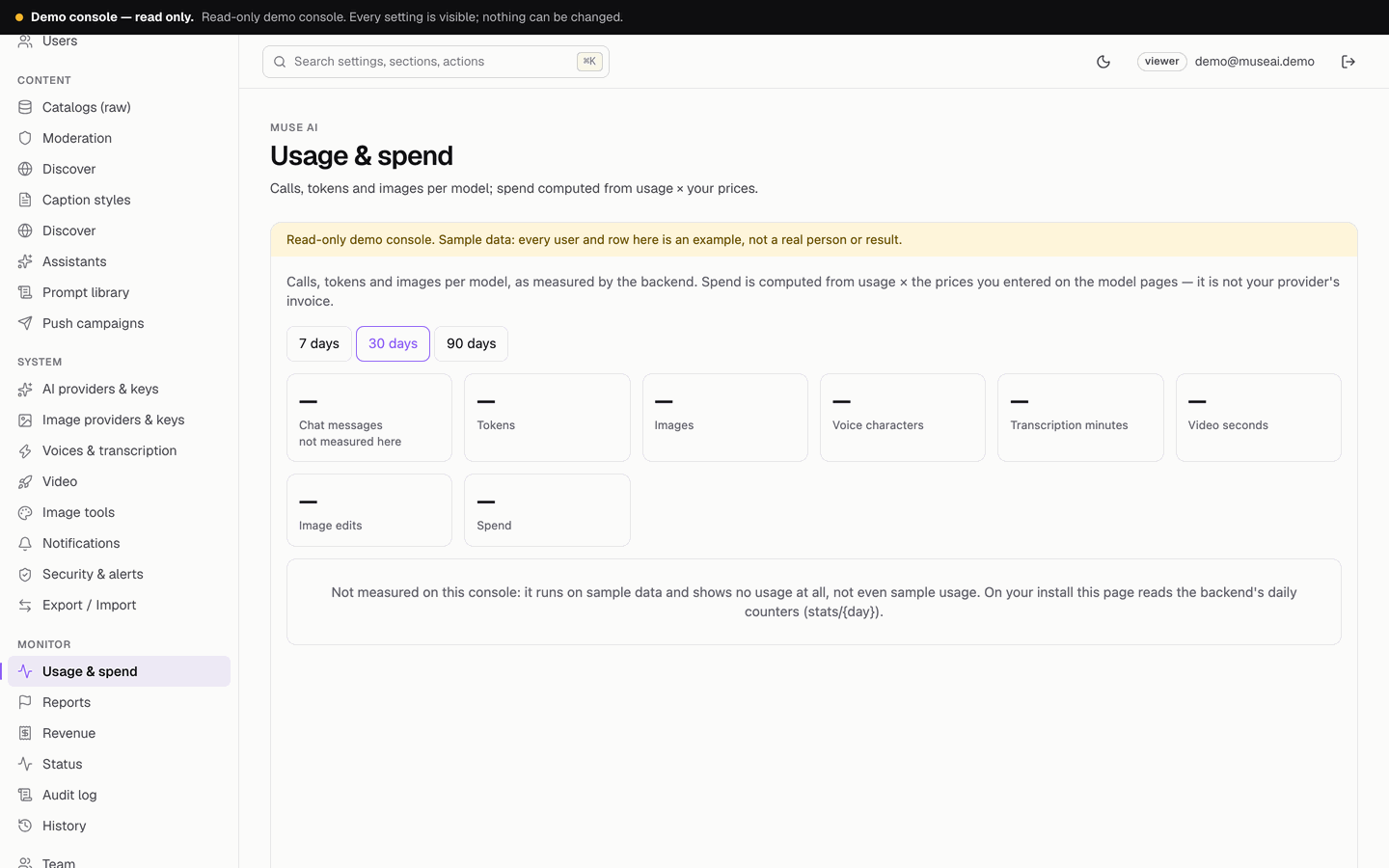
Calls, tokens and images per model for 7, 30 or 90 days, and a second table for natural-voice characters, transcription minutes, AI video seconds, image edits and tool calls, with today against the daily caps. Spend is computed from usage × the prices you entered and labelled so; an item without a price shows "—". It is not your provider's invoice.
33Status
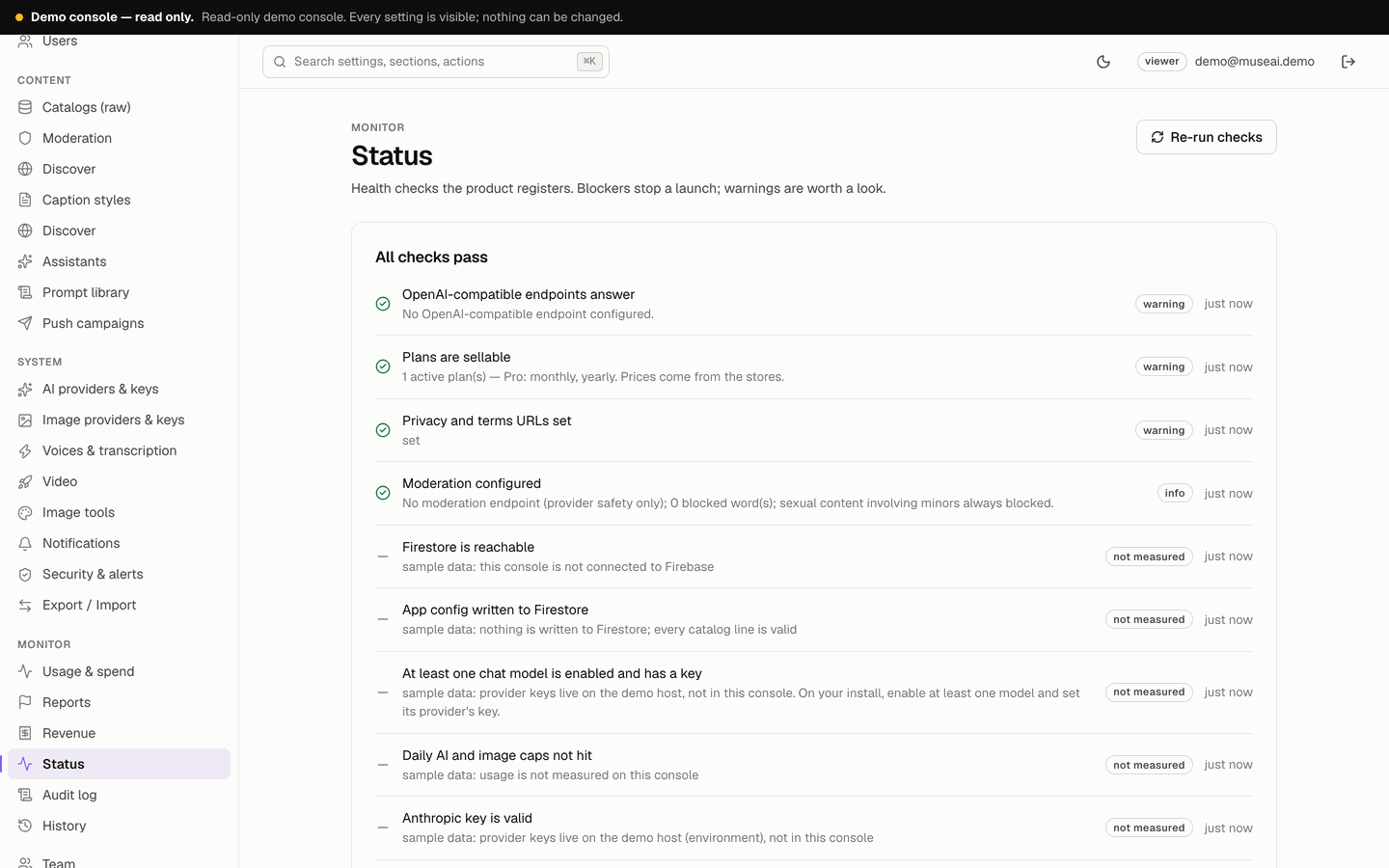
Health checks: Firestore reachable, app config written, at least one chat model enabled with a key, each provider key valid (a passing test is reused for an hour), compatible endpoints, image keys, today's calls and images against the caps, moderation, ad ids for what is switched on, store verification, ad reporting, legal URLs; for the studio modules also plans sellable, image edit and tool keys, voice keys, video keys and "Discover feeds healthy". Blockers stop a launch; warnings are worth a look.
34Audit log and History
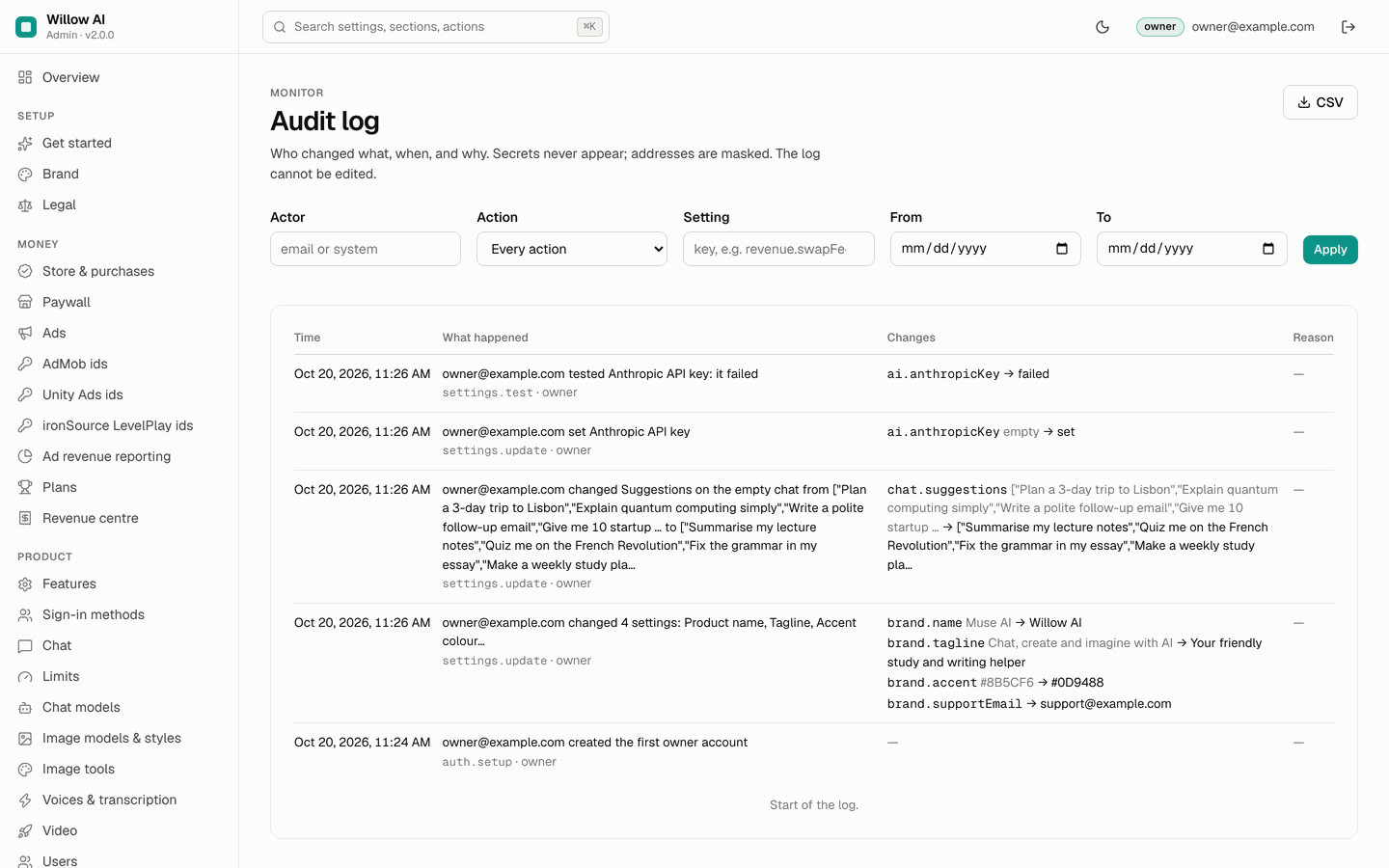
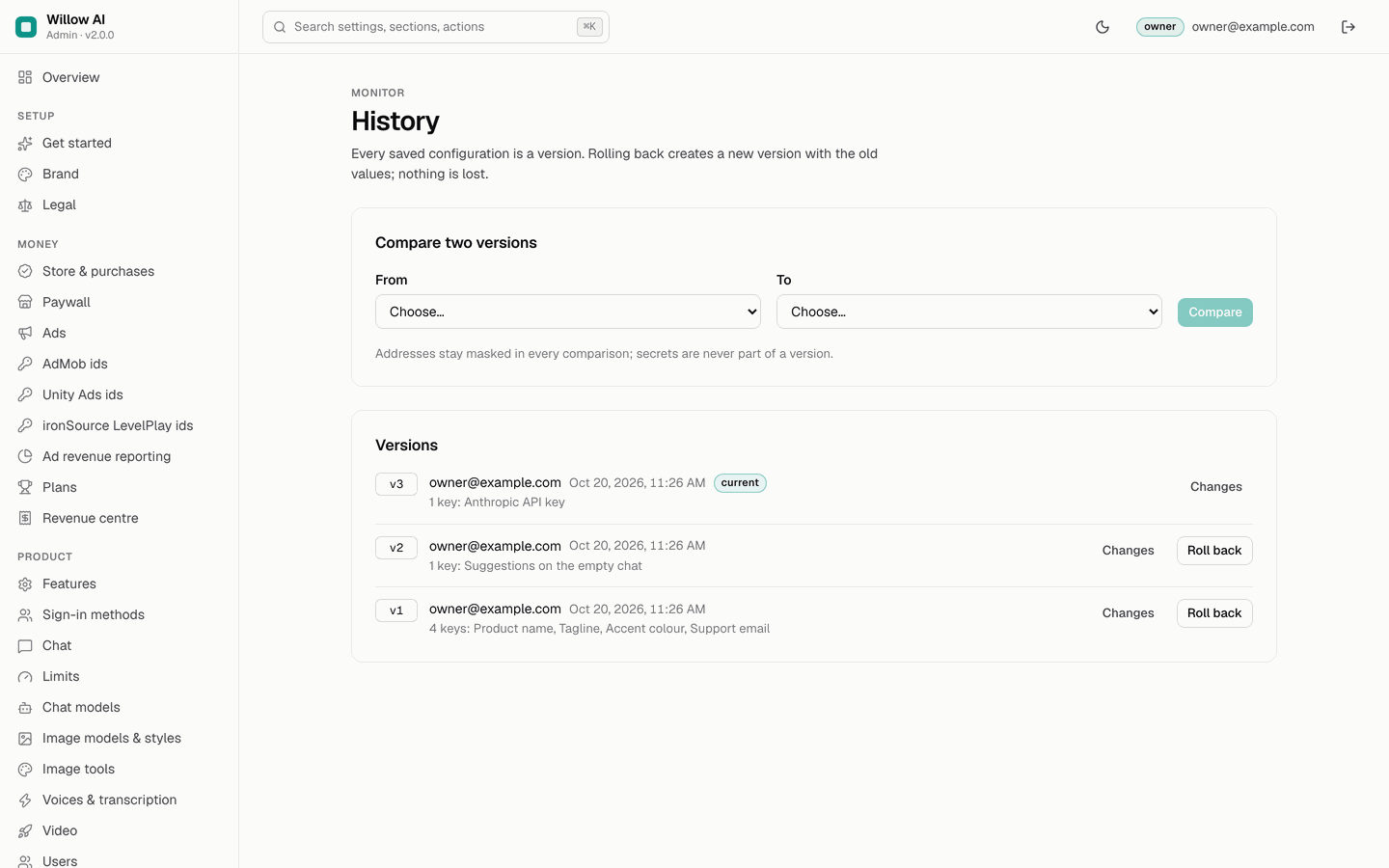
Audit log: who changed what, when and why, with a readable diff; filter by actor, action, setting and date; export CSV. It cannot be edited, and secrets appear only as "set" or "cleared". History: every save is a version; compare two versions or Roll back (which creates a new version, so nothing is lost). A stale editor is refused instead of overwriting someone else's save.
35Team, Security & alerts, Notifications, Export / Import
- Team: add members by e-mail as viewer, manager or owner.
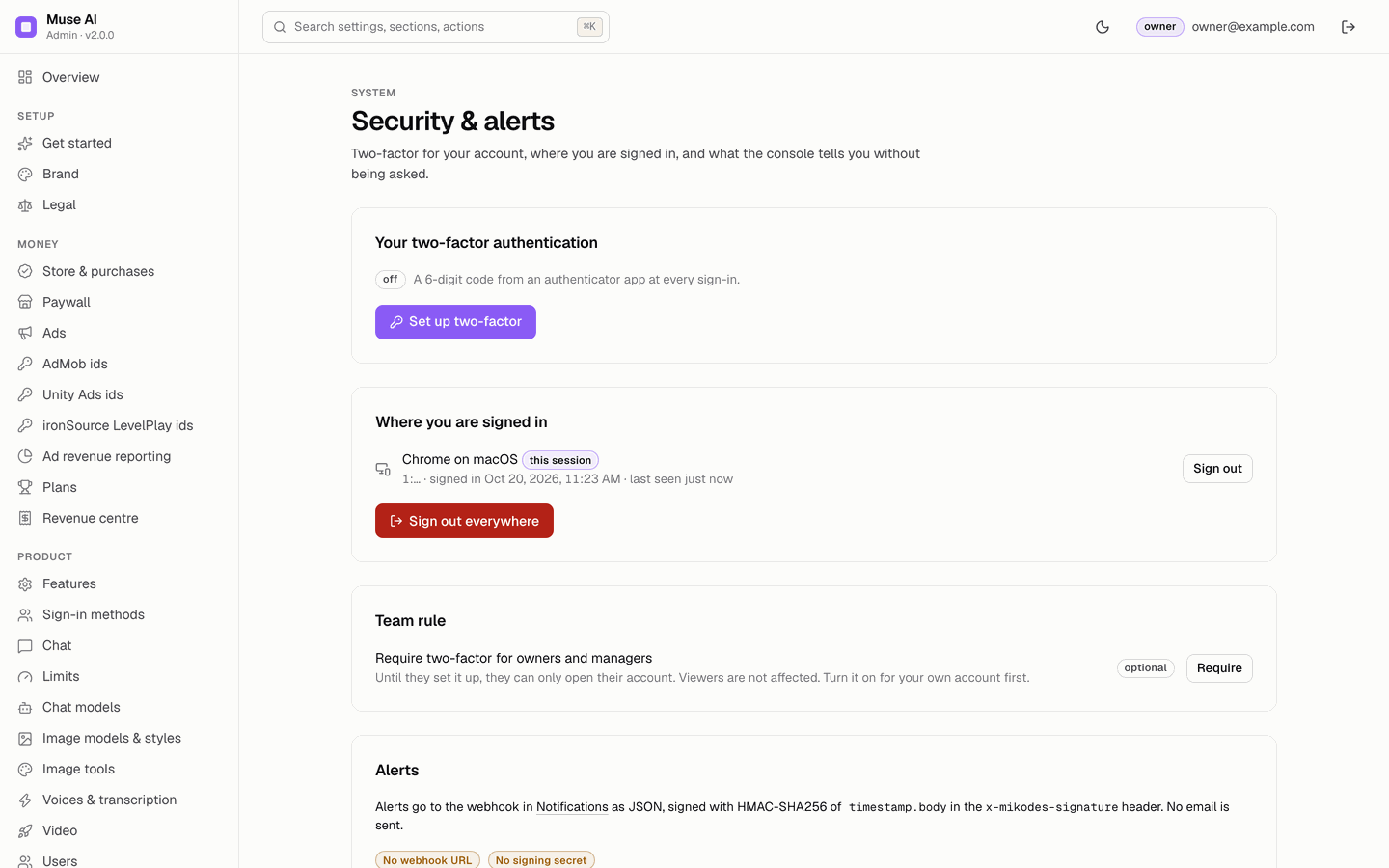
- Security & alerts: your two-factor (authenticator app), where you are signed in (sign out everywhere), the team rule "Require two-factor for owners and managers", and alert rules.
- Notifications: the alert webhook URL and its signing secret. Alerts are JSON signed with HMAC-SHA256 in the
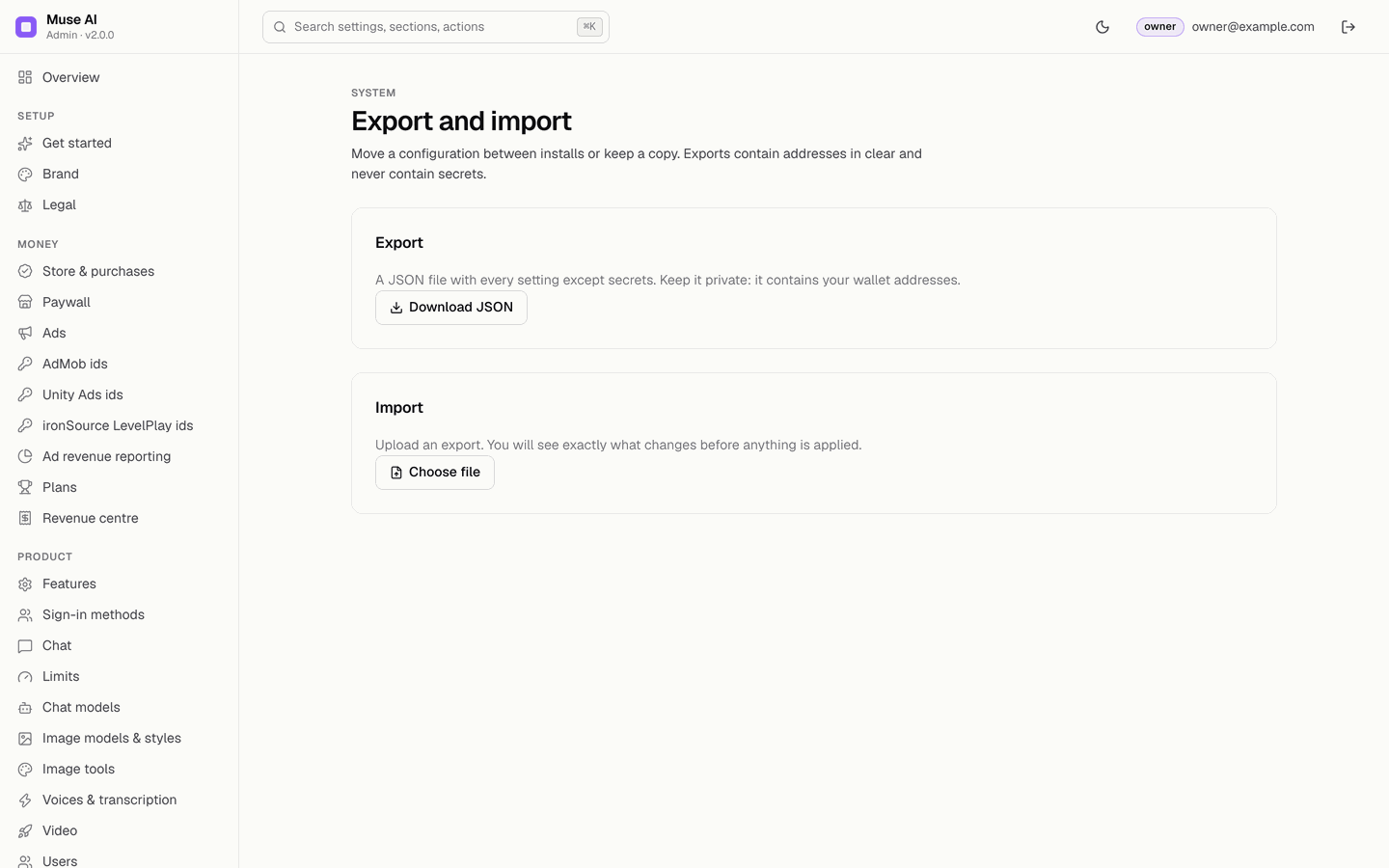
x-mikodes-signatureheader; no e-mail is sent. Payload and a verification example: Alert webhook. - Export / Import: download every setting as JSON (never secrets) or upload one; you see exactly what changes before anything is applied. Owner only.
36Alert webhook: payload and signature
When an alert rule fires (Security & alerts: "a blocker starts failing" or "no net revenue for n days"), or when you press Send test alert, the console sends one POST to the Webhook URL from Console → Notifications. Redirects are not followed, and every attempt is written to the audit log.
Request
POST /your-endpoint HTTP/1.1
content-type: application/json
user-agent: mikodes-admin-kit
x-mikodes-event: test
x-mikodes-timestamp: 1762700000
x-mikodes-signature: sha256=<64 hex characters>

{"type":"mikodes.alert.test","product":"museai","productName":"Muse AI","at":"2026-11-09T14:53:20.000Z","title":"Test alert","detail":"A test alert from the Muse AI console, sent by owner@example.com."}| Field | Type | Meaning |
|---|---|---|
type | string | mikodes.alert.test, mikodes.alert.blocker or mikodes.alert.revenue (the same value as x-mikodes-event, with the prefix) |
product, productName | string | museai and the product name |
at | string (ISO 8601, UTC) | When the console sent it |
title | string | One line, for example "Blocker failing: App config written to Firestore" |
detail | string | The explanation; several lines for a blocker alert (one per failing check) |
How the signature is made
x-mikodes-signature is sha256= followed by the lowercase hex HMAC-SHA256 of the string <x-mikodes-timestamp>.<raw request body>, keyed with the Webhook signing secret. The timestamp is Unix seconds. Compute it over the raw body exactly as received, before any JSON parsing.
Verify it (Node.js, no dependencies)
Save as verify-alert.mjs, then run WEBHOOK_SECRET='your signing secret' node verify-alert.mjs and set http://<your-host>:8099/ (behind HTTPS in production) as the Webhook URL.
import { createServer } from "node:http";
import { createHmac, timingSafeEqual } from "node:crypto";

const SECRET = process.env.WEBHOOK_SECRET ?? "";
const MAX_AGE_SECONDS = 300; // refuse old or replayed alerts

function verifyAlert(secret, timestamp, rawBody, signatureHeader) {
  if (!secret || !timestamp || !signatureHeader?.startsWith("sha256=")) return false;
  const age = Math.abs(Date.now() / 1000 - Number(timestamp));
  if (!Number.isFinite(age) || age > MAX_AGE_SECONDS) return false;
  const expected = createHmac("sha256", secret).update(`${timestamp}.${rawBody}`, "utf8").digest("hex");
  const got = signatureHeader.slice("sha256=".length);
  return got.length === expected.length && timingSafeEqual(Buffer.from(got), Buffer.from(expected));
}

createServer((req, res) => {
  let raw = "";
  req.on("data", (chunk) => (raw += chunk));
  req.on("end", () => {
    if (!verifyAlert(SECRET, req.headers["x-mikodes-timestamp"], raw, req.headers["x-mikodes-signature"])) {
      res.writeHead(401).end("bad signature");
      return;
    }
    const alert = JSON.parse(raw);
    console.log(`[${alert.type}] ${alert.title}\n${alert.detail}`);
    res.writeHead(204).end();
  });
}).listen(8099, () => console.log("Listening on http://localhost:8099"));
Then Console → Security & alerts → Send test alert: the script prints [mikodes.alert.test] Test alert, and the console shows "HTTP 204 from <your host>". A wrong secret gives "HTTP 401". The console counts any 2xx answer as delivered.
Check the snippet without the console
This signs a sample body the same way the console does and sends it to the script above:
SECRET='your signing secret'
BODY='{"type":"mikodes.alert.test","product":"museai","productName":"Muse AI","at":"2026-11-09T14:53:20.000Z","title":"Test alert","detail":"Manual test"}'
TS=$(date +%s)
SIG=$(printf '%s' "$TS.$BODY" | openssl dgst -sha256 -hmac "$SECRET" | sed 's/^.* //')
curl -i -X POST http://localhost:8099/ -H 'content-type: application/json' \
  -H "x-mikodes-timestamp: $TS" -H "x-mikodes-signature: sha256=$SIG" --data "$BODY"
Terminal: macOS or Linux as shown; on Windows use WSL or Git Bash (how).
37What the console never does
- It never reads a conversation, calls an AI model for a user or sends a push message itself.
- It never writes the backend's fields (the store plan, purchased credits, usage, statistics, images, videos, purchases, store revenue events).
- It never shows a stored key again and never puts one in
config/public. - It never estimates revenue or converts currencies.